

Clear communication
We make agreements easy to understand and keep you informed about progress, decisions and next steps.
Security and access
Your dashboard or web app contains information that powers your business. We therefore include security in the design, construction and management: from password storage and two-step verification to the permissions your team can work with.
01 · Private access
We set up personal access for a closed working environment. The application checks your data on the server before you can access files, reports or actions. A hidden page or a difficult-to-guess web address is insufficient for this.
The images show in a neutral example environment what logging in and an additional verification step could look like. Bee Olympus Bouw passwords are hashed with scrypt. Access works with a secure session, an expiration time and a limit on login attempts.
For your application, we agree who will have access, what additional control is required and how accounts will be managed. Two-step verification with Google Authenticator can be part of that device.


02 · Password storage
'Encrypted passwords' often means that passwords are kept securely. We use for login passwords hashing: A one-way operation that turns your password into a check value. Your input will be compared with this when you log in.
A unique addition per password, the salt, prevents the same passwords from automatically yielding the same stored value. We choose a password function such as scrypt, Argon2id or PBKDF2, suitable for the application.
The original password therefore does not have to be legible in storage. An administrator does not need to know it either. If you no longer have access, we will set up a recovery procedure that will allow you to choose a new password.
03 · Two-step verification
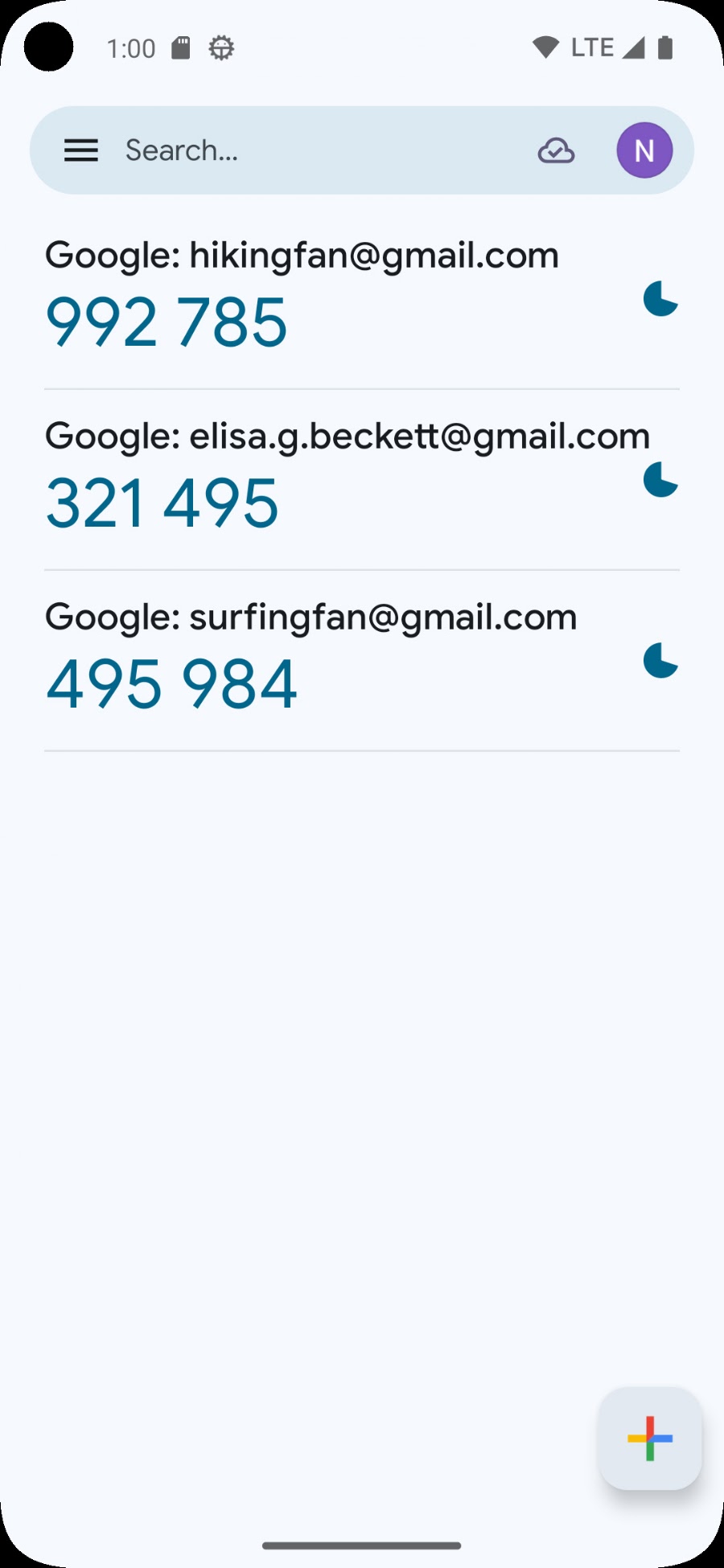
Google Authenticator creates a temporary code for a linked account. The TOTP device we use for this consists of six numbers and the code is renewed every 30 seconds. With an application with two-step verification, you use that code in addition to your password. In our custom solutions we can set up this extra step for users or specific roles.
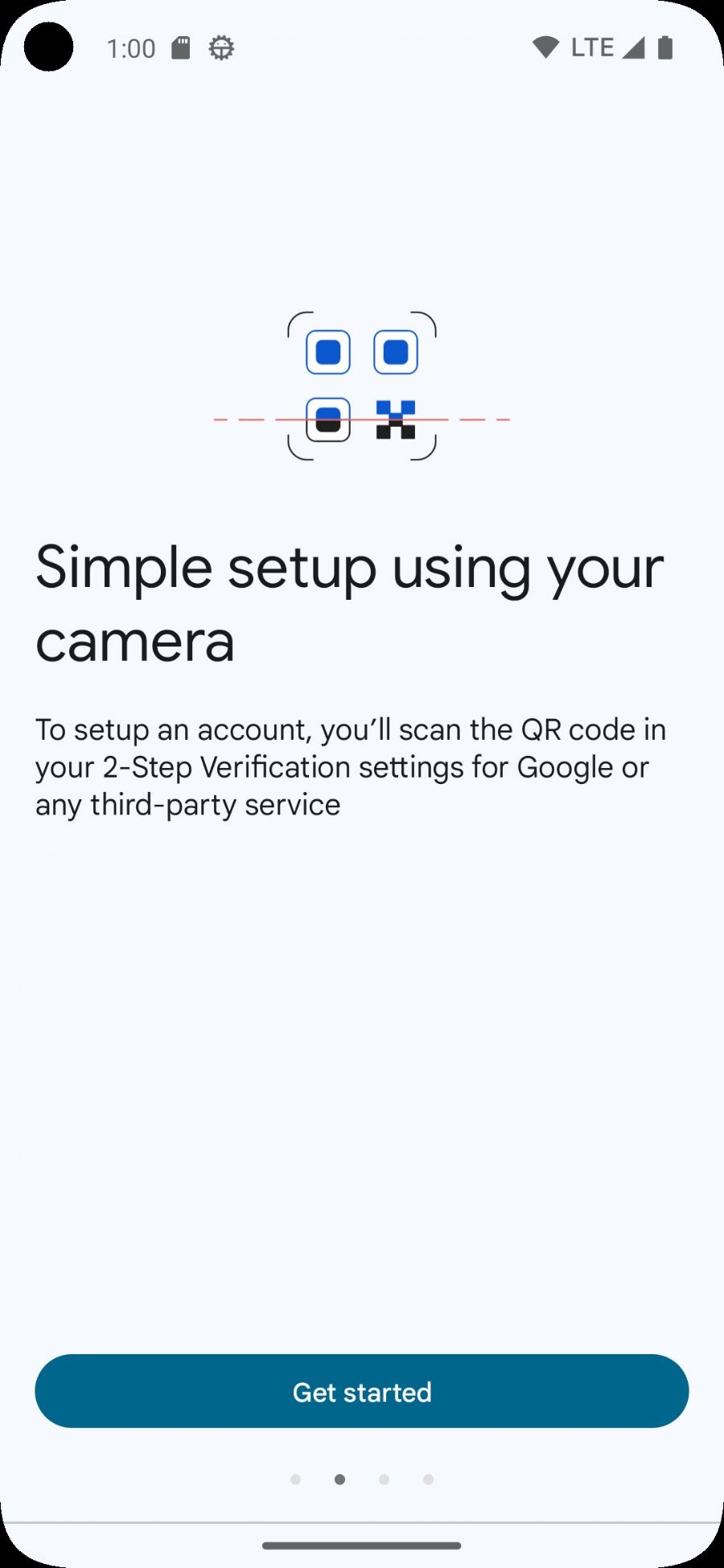
The app can also create codes without internet. You add the account once with a QR code or setup key from the application. You then enter a code to confirm the connection.
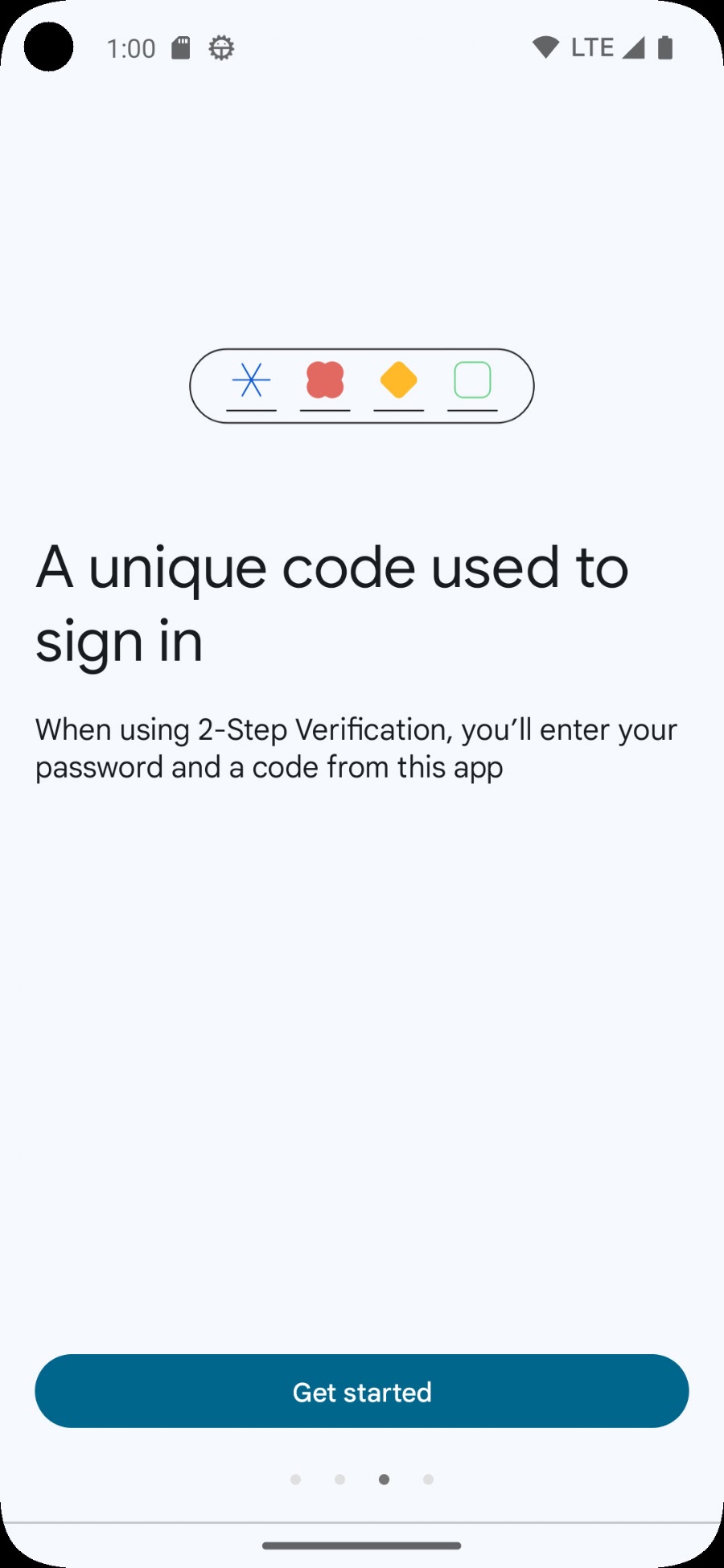
These screenshots show the official Google app with sample accounts. We determine the concrete link and recovery route per environment. Google Authenticator is a Google product; the additional step is controlled by the respective application.
We determine who needs the extra control. The user installs an authenticator app and links their own account in the environment set up for this purpose.
The user enters the password and current code. The server checks both before the workplace becomes available. An expired code does not grant access.
We agree on how access will be restored in the event of a new or lost telephone. Where the application supports this, we set up recovery codes or controlled recovery through an administrator.
Download the official app via Google Play ↗ or the App Store ↗.
04 · Rights and data
An employee who processes a schedule needs different capabilities than someone who manages users or reviews financial data. We map out these differences in advance.
We control who can view, modify, export or approve information. Rights should be checked on the server. Simply hiding a button does not provide sufficient protection.
After logging in, you use a session with an agreed validity period. For web apps, we set up Secure and HttpOnly cookies where appropriate. Logging out and terminating access are also part of the setup.
API keys and tokens are part of the server configuration and are protected from the public website. We limit their rights to what the connection requires and agree on how revocation and replacement works. Read how we connect systems.
We look at what information is needed, where it is stored and who works with it. With AI processing, we agree in advance which data goes to which supplier. More about this can be found in our privacy statement.
05 · Management and continuity
A new employee, a lost phone or an update from a supplier: security requires agreements that remain useful in daily work.
We record who creates accounts, changes permissions and revokes access. Upon termination of employment or another position, accounts, sessions and any shared links must be reassessed.
For managed environments, we make agreements about maintenance, updates and accessibility checks. We coordinate who receives notifications, who intervenes and what support comes with your solution.
Together we determine what a backup should contain, how often it is needed, where it is kept and how recovery is tested. We tailor this to the consequences of data loss and outages for your company.
We choose which events are required for auditing and investigation, without including passwords or secret setup keys in log files. In case of specifics, it must be clear who is investigating it and what action will follow. More about logging and monitoring.
We look at the data, users, links and daily actions. We then determine the necessary measures and responsibilities.
We test valid and invalid logins, permissions, session history and the agreed recovery route. If changes are made, we will recheck the access involved.
You will receive an explanation about accounts, logging in and recovery. We agree who will carry out the management and how security will be taken into account during further expansion.
The measures and management are recorded per assignment. The examples on this page show possibilities and concrete parts of our approach.
We tailor two-step verification to the application and the users. The neutral example screens show the two steps. When setting up, we determine which additional verification your environment will receive; We do not promise that every existing application already has this function.
A correctly hashed password cannot be read back. That is why we use a procedure to set a new password, verifying the user's identity.
Use the previously agreed recovery route and report it to the administrator. This assesses the identity and the necessary next steps, such as ending sessions and relinking the authenticator. Save available recovery codes separately from your phone.
For personal accounts we link verification per user. This means that a team does not have to share a password or telephone and rights and access can be changed per person.
Two-step verification adds a check. A reliable setup also requires good passwords, appropriate rights, maintenance and careful use. A code can still be captured via a misleading login page. Do not share codes and check where you log in. For extra protection we can discuss the options of passkeys or security keys.
We can investigate whether logging in through your identity provider is compatible with the application and subscription you are using. We will include the options for central login, additional verification and account management in the proposal.
The login examples are designed in a neutral corporate identity, without customer data, passwords or real verification codes. The Google images are unaltered public screenshots from the official ones Google Play listing. Product names and logos remain the property of their copyright holders.
More explanation: Google Authenticator and OWASP on password storage.
We think along about access, roles, links and management for your dashboard or web app.
More about modular web apps →The project story of Olympus Bouw →
Our approach
We make agreements easy to understand and keep you informed about progress, decisions and next steps.

We bring relevant figures together and explain what they mean, helping you decide where action is needed.

We look at which recurring steps could work smarter, with attention to checks, exceptions and the people using them.
We start with a clearly defined step. Then we expand with purpose, based on what your business and workflow need.