

01 · The problem
Scheduled means not yet ready for invoicing.
A self-employed person can be in the planning stage while an agreement, weekly statement or rate still requires inspection. A separate planning overview does not automatically show whether the file is complete enough for the next administrative step.
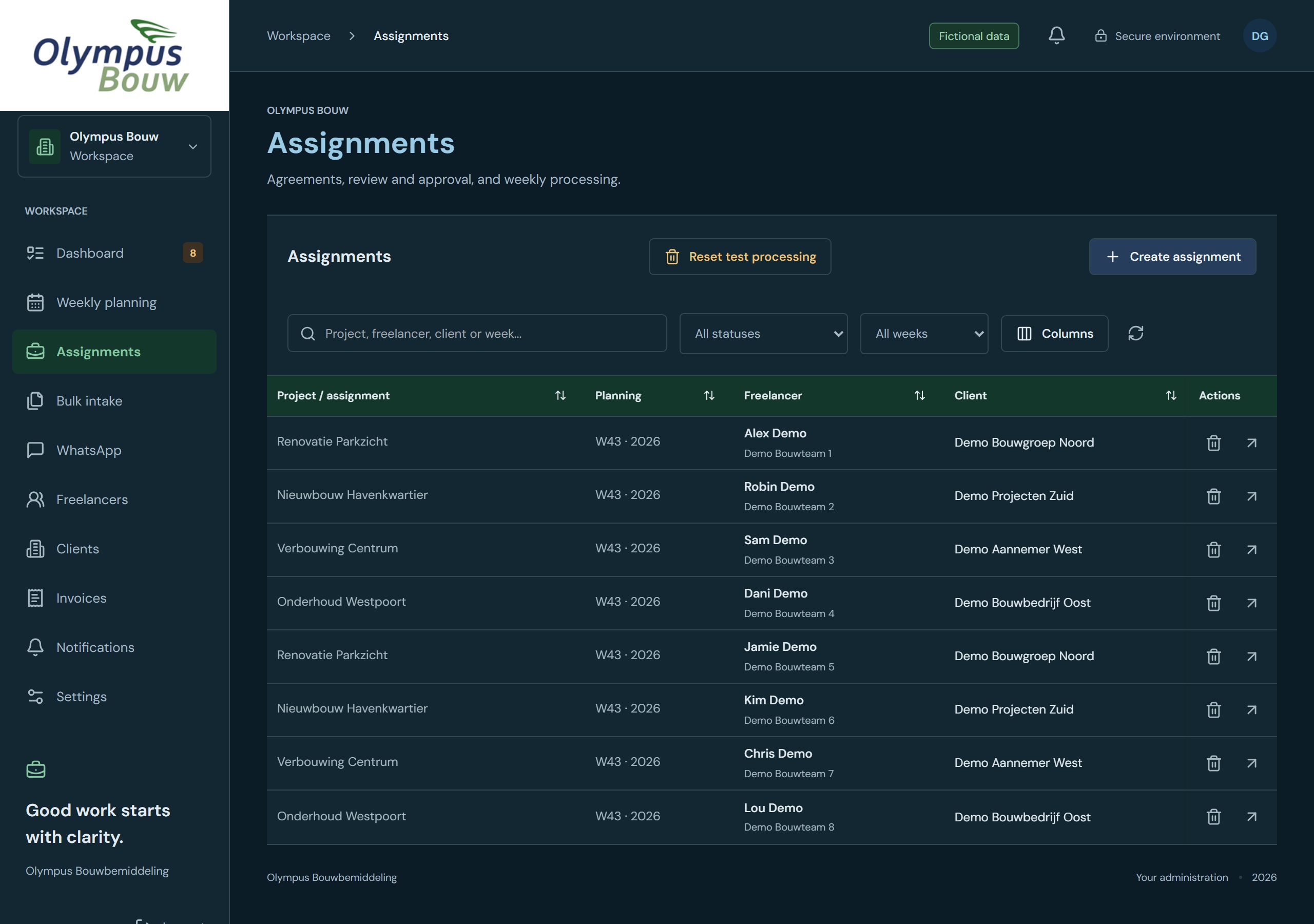
The assignment therefore revolves around the connection between work and evidence. Which documents belong to which deployment? Which agreements apply? And what missing data prevents a file from proceeding?
02 · Inventory
Making the connections more important than the individual files.
The technical inventory includes self-employed persons, clients, assignments and calendar weeks. This includes validity dates, rate agreements and document types. A proof of costs requires different treatment than an agreement or weekly statement.
Preservation of the source is important for existing master data. Missing or abnormal values must remain visible for checking. Historical relationships and files may not disappear when a relationship is no longer active.
03 · Plan of action
A workflow from planning to controlled week.
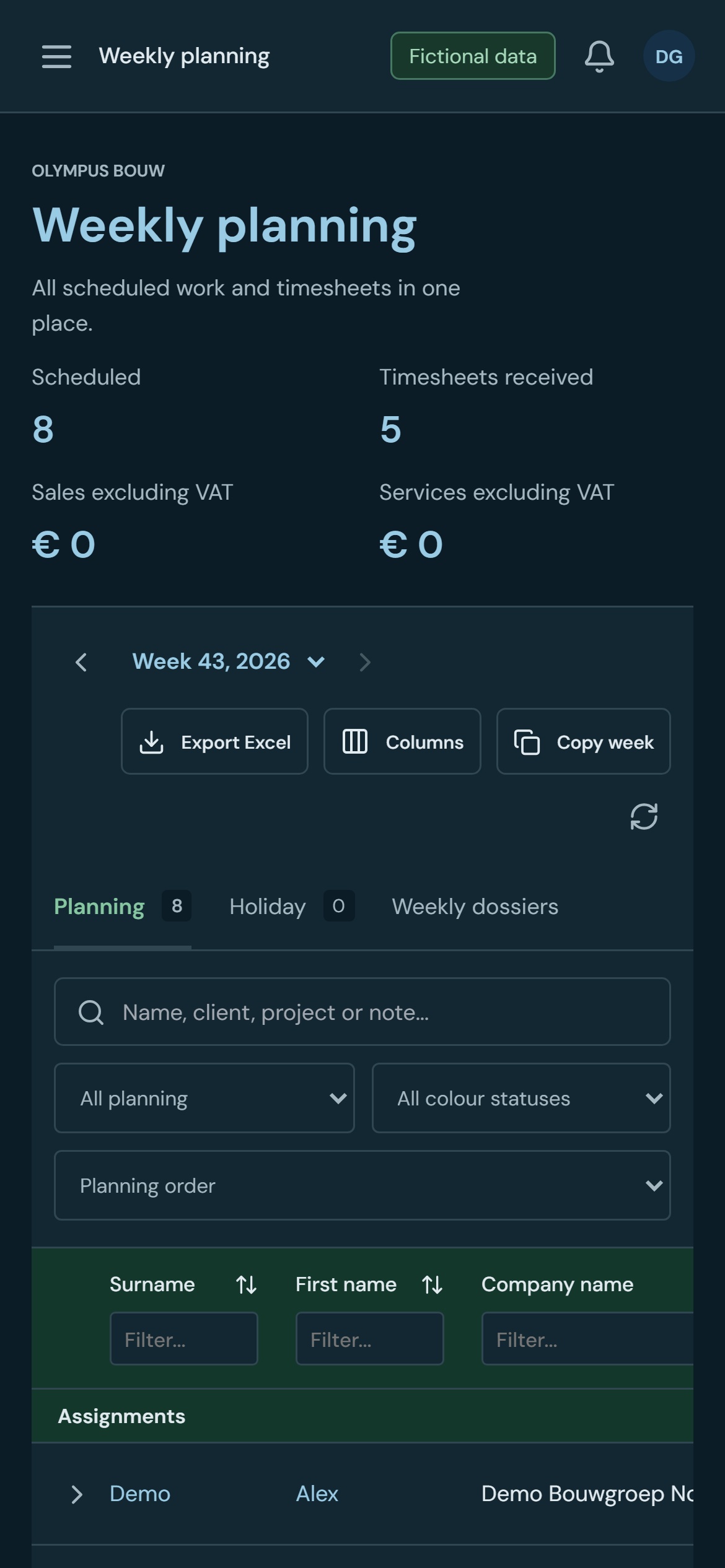
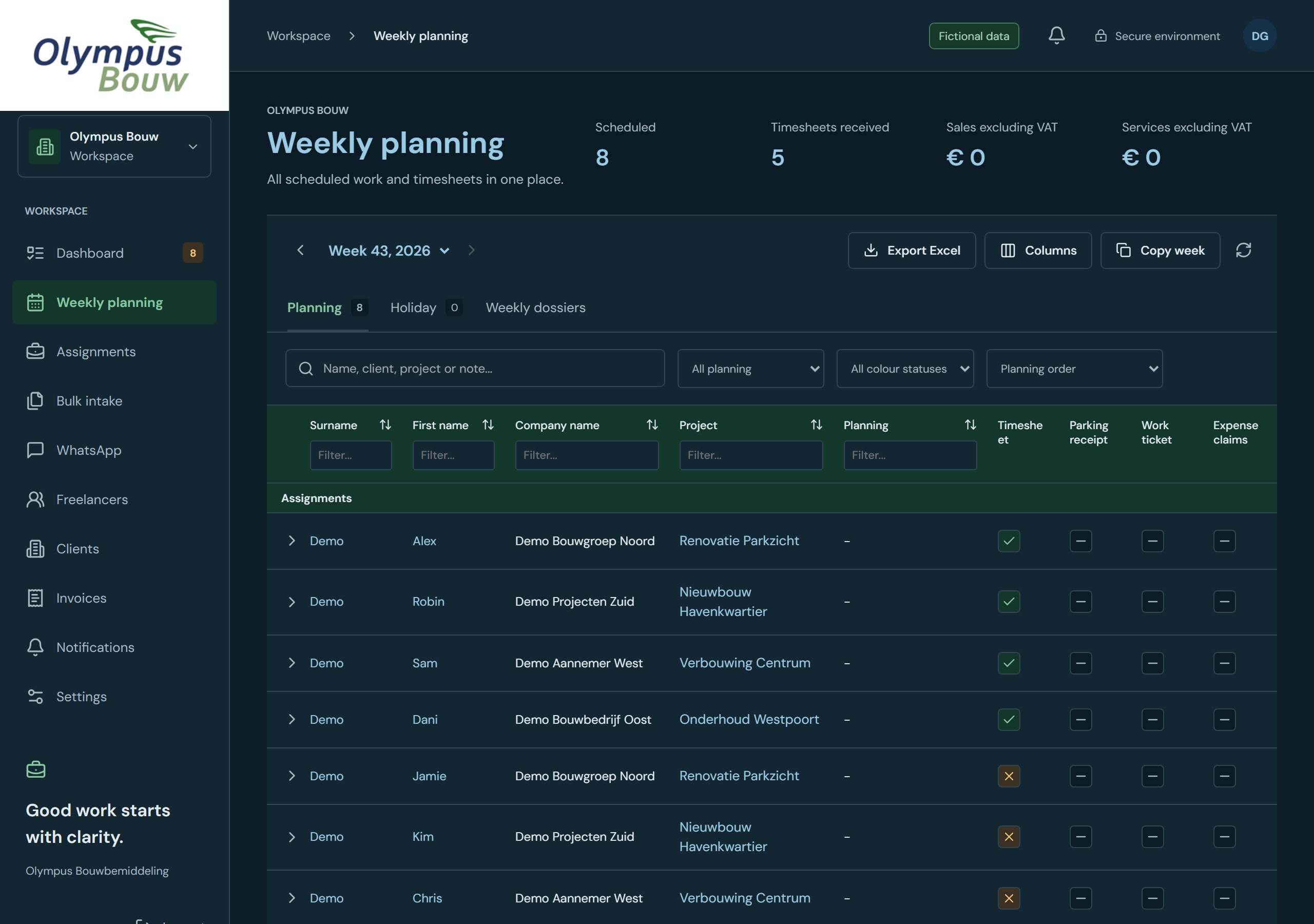
The chosen structure connects the weekly planning with relationship files and assignments. The relevant documents and weekly data come together within an assignment. Draft invoices are only prepared from verified data.
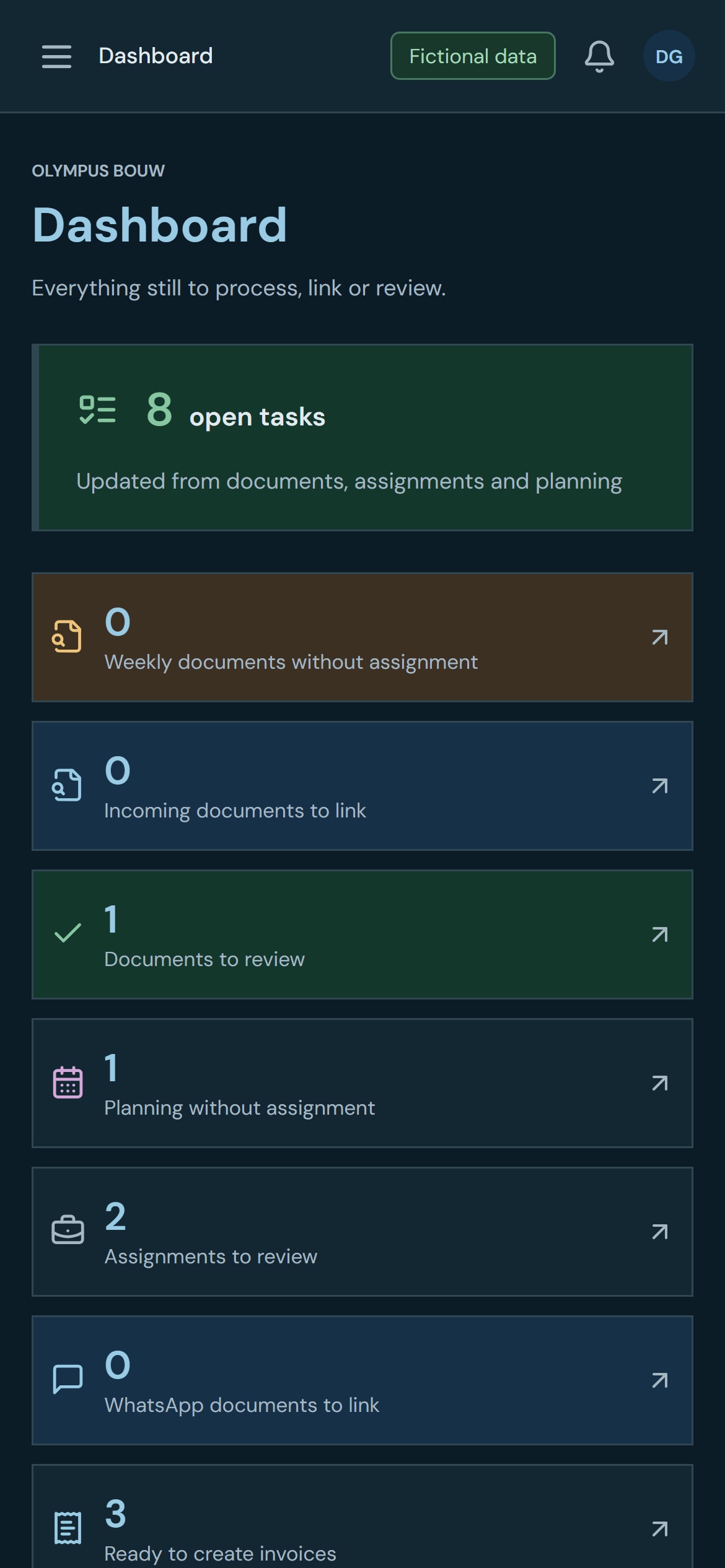
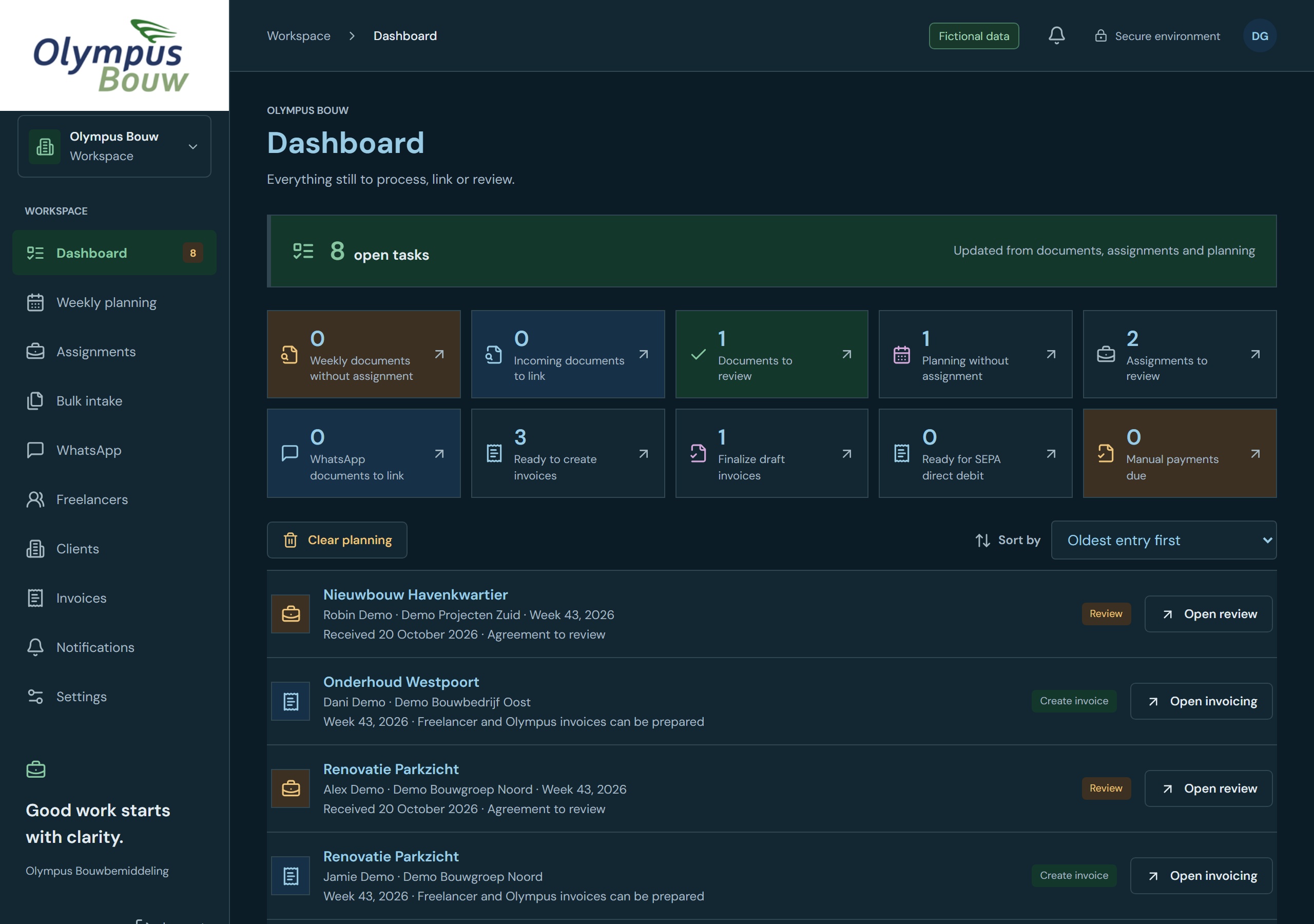
A central overview of tasks provides the daily input. For example, it distinguishes between documents that require inspection, planning without an assignment and files that are ready for invoice preparation. Each category receives an appropriate follow-up.
04 · Construction and further development
Not just a notification, but a place to solve it.
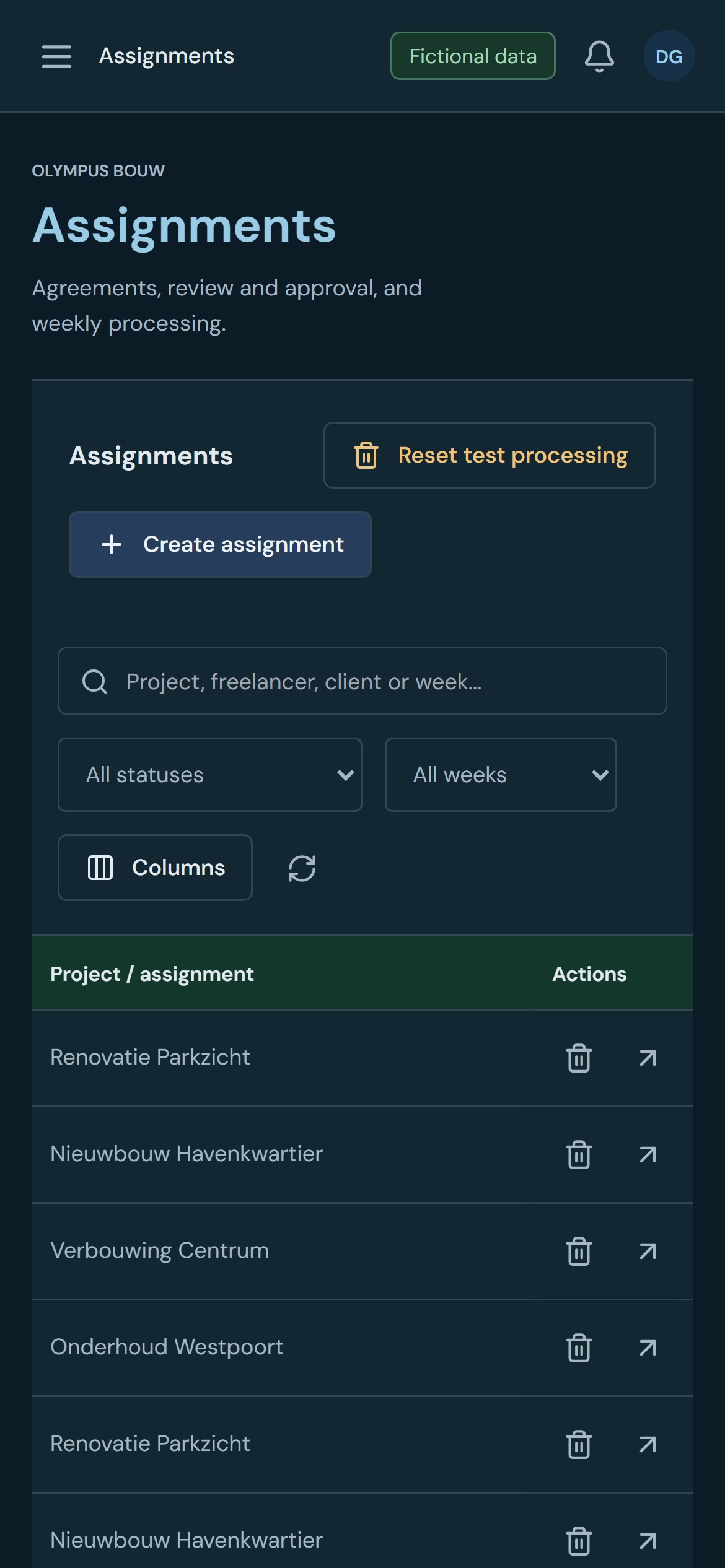
The application contains editable files, weekly planning, document control and workspaces for assignments. Recognized PDF and OCR fields are offered as proposals. The source can be involved in the assessment before data is taken over.
The further development focuses, among other things, on grouped notifications, change history and linking documents to the correct assignment and week. Simultaneous operations also require attention: a change may not be silently overwritten by another user.
Further development in October 2026
Invoice preparation distinguishes projects within the same week and links cost evidence with the correct weekly statement. In addition to hours, a controlled contract price can serve as an employment basis; which must be consistent with the assessed source. Work orders are distinguished from cost receipts. The planning can be exported to Excel with document statuses.
From insight to the next step
What you can do from the overview
| Reason | What you see | The next action |
|---|---|---|
| An assignment requires rechecking | The concrete control point, with the assignment and relationship involved. | Open control and assess the deviation. |
| Documents or links are missing | The task is listed under the correct category in the overview. | Open the document or assignment and check the link. |
| A weekly file is ready | De opdracht staat klaar voor factuurvoorbereiding. | Open invoicing and check the draft data. |
05 · Implementation
Your own application with recognizable process steps.
The solution uses React for the interface and Python, FastAPI and PostgreSQL for processing and storage. The environment keeps files, documents and actions in their own administrative context.
The closed work environment uses password hashing, secure sessions and a limit on login attempts. On our about page security and access you will see the empty login window and read how we can also set up additional verification and management.
Invoice preparation connects to controlled weekly files and shows rates, costs and additional lines separately. The described workflow produces verifiable invoice concepts for further assessment and handling.
06 · Testing and checking
The exceptions determine whether it is workable.
The controls in the source code include weekly planning, document selection, rate and cost deviations, invoice sources and changes to relationships. These are exactly the places where an incorrect connection can have consequences further down the line.
The status display is also substantive: missing or expired data must be recognizable, while an optional note must not become an error. Document processing continues to require human review before a proposal proceeds as controlled information.
07 · Delivery
A workplace with a recognizable next action.
The result is an application in which planning, files and documents are connected. The user does not have to translate a message into a separate search query: the task overview offers entries such as Open Control, Open Order and Open Invoicing.
The delivery leaves room for further expansion per work step. A new control or additional document type can be added within the existing assignment and week structure.
08 · Time savings and insight
Where the profit is in this project
The time savings are mainly due to less searching and less manual linking of information. The application also makes visible why something is not yet ready. No measured time savings in hours have been identified for this story.
Switch less
Planning, agreements and supporting documents do not always have to be looked up in different overviews.
Less repeat control
Open checks are shown as work, including the route to the relevant file.
More control over rounding
The difference between planned, controllable and ready for the next step is visible.
What difference would a shorter work step make to you?
Enter your own times for one recurring action. This is a calculation tool, not a measured result of this project.
The annual calculation uses 52 weeks. The actual savings depends on your process and the control required.