

01 · The problem
The last step depends on all previous steps.
A total number of hours is not enough for a settlement. It must be clear who worked, on which project, in which week and under what agreements. Incoming notes, relationship data and corrections must match each other.
When that information is in different places, completing a period becomes a quest. The question behind this assignment: how do you make visible the work that is still needed before a period can be approved?
02 · Inventory
Unraveling the route from source to settlement.
The inventory focuses on the connections between candidate, client, project, weekly statement and payroll period. With document input, the origin and certainty of recognized fields are also relevant. After all, a recognition proposal is not yet controlled input.
In addition, a distinction is necessary between a warning and a blocking exception. You can investigate some points of interest; others must be resolved before agreement is responsibly possible.
03 · Plan of action
First a work sequence, then the screens.
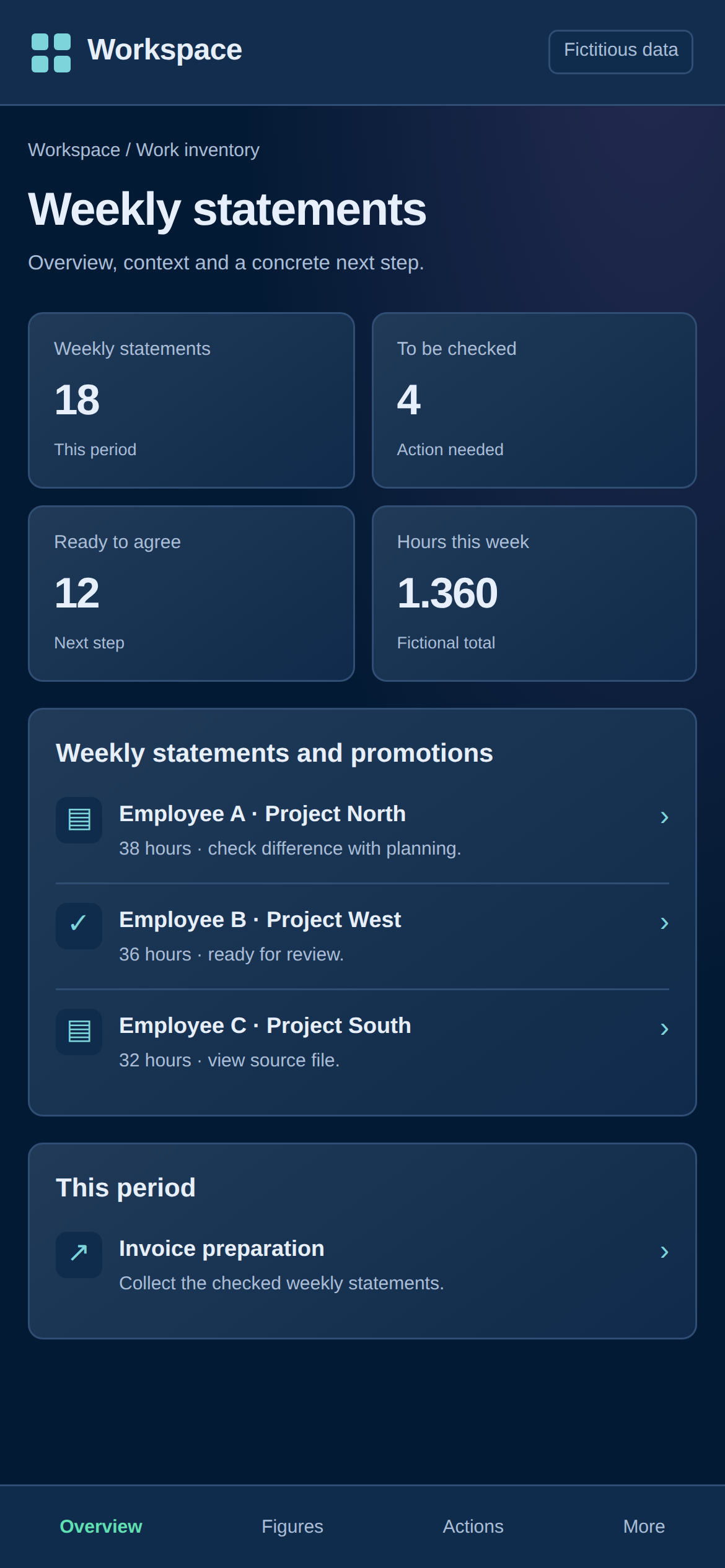
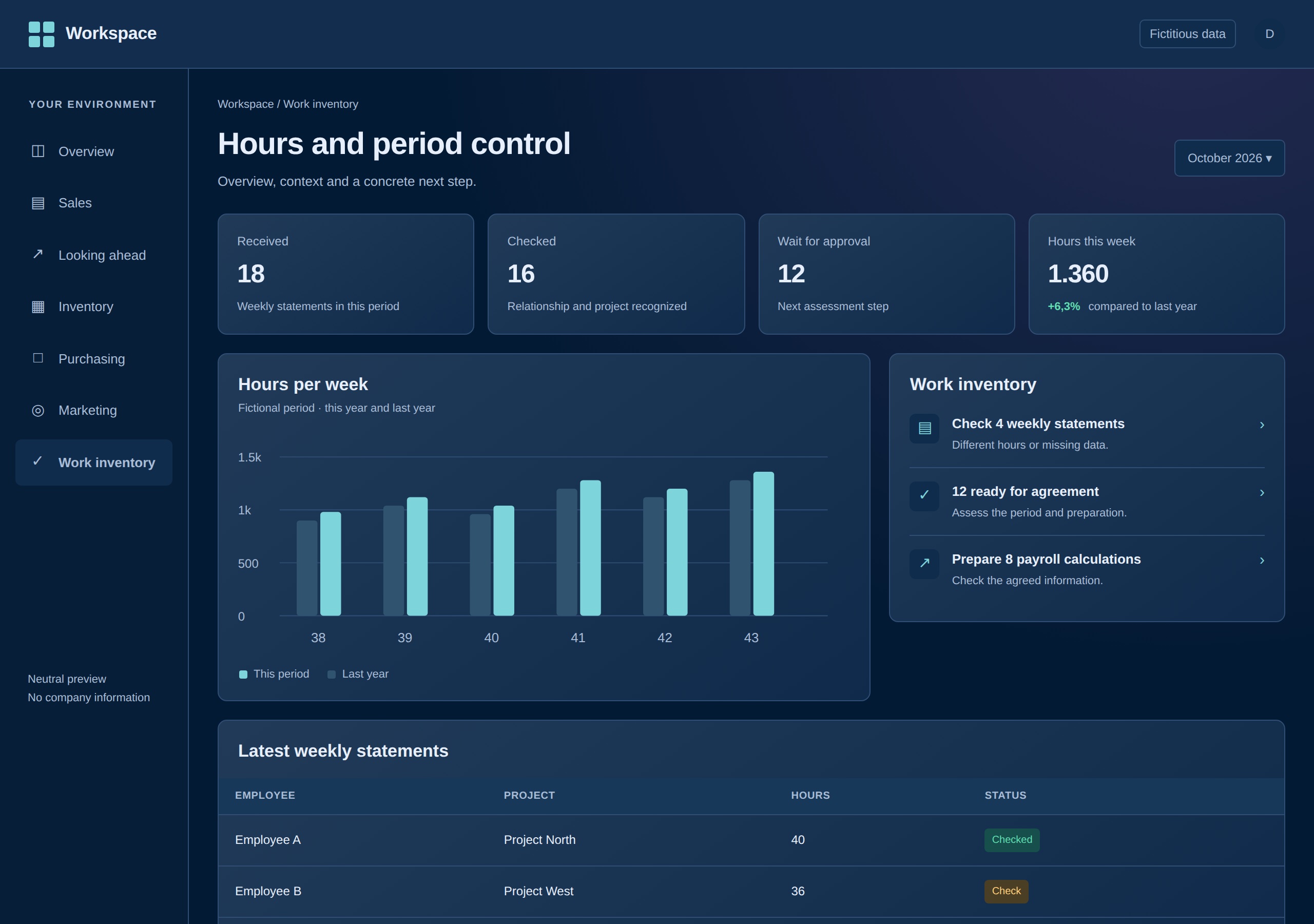
De omgeving volgt de verwerking: binnenkomst, matching, controle, goedkeuring en verdere periodevoorbereiding. The overview makes the amount of work per step visible and provides direct access to the work modules.
Relationships and projects form the basis for that processing. The period control then uses that data in conjunction with the weekly results and any corrections. This way, overview and implementation remain part of the same process.
04 · Construction and further development
From weekly input to control over an entire period.
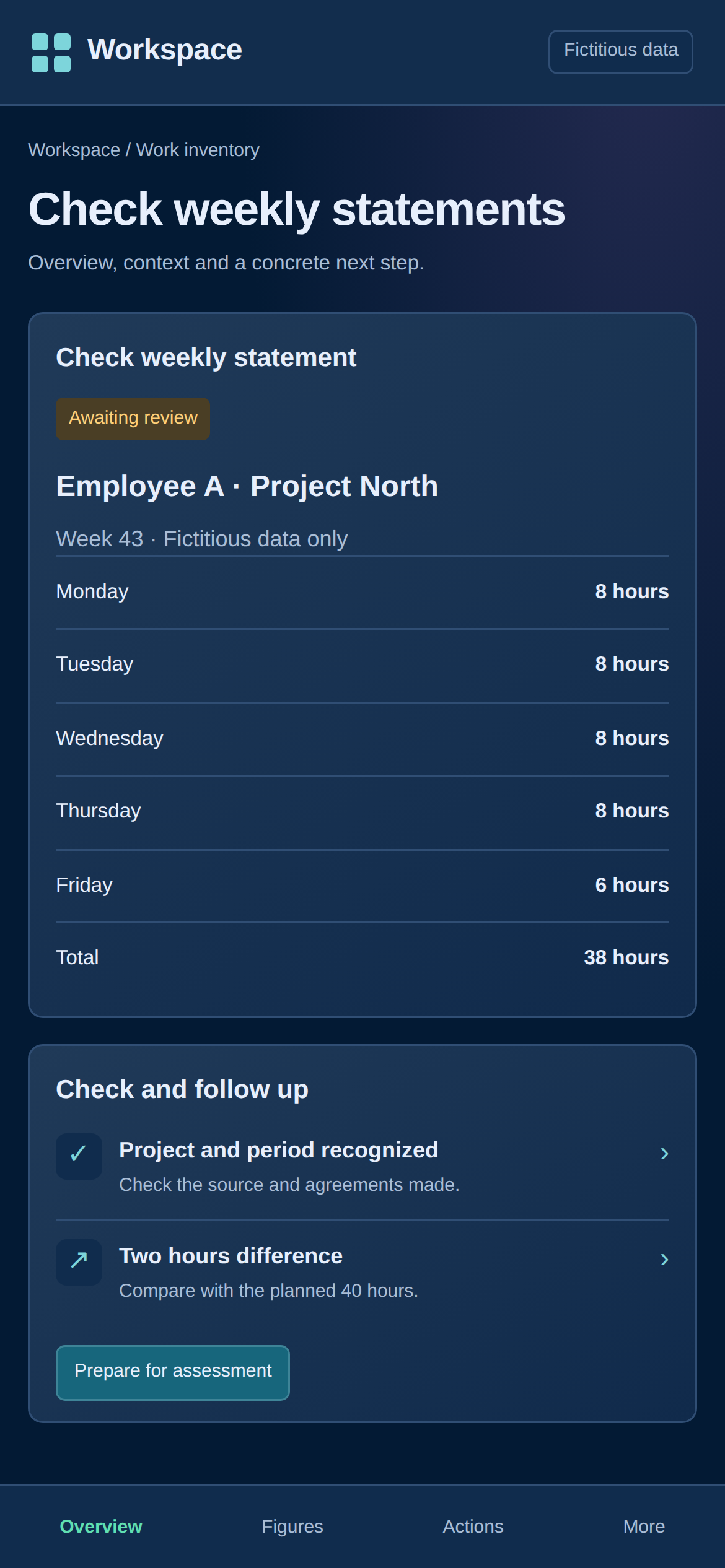
Construction includes relationship and project screens, time processing, corrections and a control layer for the period. Weekly results, current balances and settlements per employee can therefore be assessed in their mutual context.
The further development mainly concerns the handling of exceptions. A blocking deviation should lead back to the information that needs to be checked. Agreement steps and blocked agreement attempts are given a place in the audit trail. Order and invoicing files can also be searched from the environment for further preparation.
From insight to the next step
What you can do from the overview
| Reason | What you see | The next action |
|---|---|---|
| Time sheets are ready | Numbers per processing step and the associated tasks. | Open the hours processing and check a source or recognition proposal. |
| A period contains a blocking deviation | The exception applies to the employee or week involved. | Assess data or corrections before approval becomes possible. |
| An earlier mutation raises questions | Recorded actions and controls in the audit trail. | Trace the change and conduct targeted follow-up research. |
05 · Implementation
Source data and controls use the same basis.
The dashboard is built with Python, FastAPI and PostgreSQL. Contact, order and weekly data are linked, so that a change or correction can be included in the audit of the corresponding period.
The status of a work step is part of the application. This makes it possible to monitor progress without having to maintain a separate list for each check.
06 · Testing and checking
Also check what is not acceptable.
The most important test is not only whether a normal period can be prepared, but also whether an abnormal period is stopped. Blocking exceptions must be resolved first; the agreement action must not pass unnoticed.
Corrections must remain recognizable compared to the original entry. Together with the registration of actions, this makes it possible to reconstruct afterwards what was adjusted and why a check was necessary again.
07 · Delivery
A control environment with a clear follow-up.
The built environment brings together the modules for relations, weekly input and period control. The overview shows where work is located; the in-depth screens provide the data for the next step.
The demarcation remains important: a prepared or approved file is a recognizable process status. That is a better basis for further processing than a separate total for which the checks cannot be found.
08 · Time savings and insight
Where the profit is in this project
The insight concerns both the amount of work and its readiness. This shortens the search for outstanding checks. A measured saving per pay period has not yet been published here.
Less searching
Relationships, projects and weekly input can be accessed from the same workflow.
Targeted period control
Attention is focused on deviations and missing steps instead of collecting all the information again and again.
Better explainable
Corrections and approval steps remain traceable when a settlement is checked.
What difference would a shorter work step make to you?
Enter your own times for one recurring action. This is a calculation tool, not a measured result of this project.
The annual calculation uses 52 weeks. The actual savings depends on your process and the control required.