

Clear communication
We make agreements easy to understand and keep you informed about progress, decisions and next steps.
Explanation and possibilities
We automatically retrieve sales data, purchasing data, inventory and other information via APIs. Your dashboard and web app remain updated as agreed, without recurring file imports.
Automatically from source to dashboard
An API is an agreed digital access that allows programs to request or exchange data. For example, with your permission, we connect the API of your webshop, purchasing program or warehouse with your dashboard. The link retrieves the agreed data; you don't have to export and upload Excel or CSV files.
We check the supplier's API: what sales rules, purchasing data, stock or other information is available? What history can we pick up? We only set up the necessary permissions. For data retrieval, we use read-only access whenever possible.
During the initial setup, we retrieve the available history via the API. We translate fields and statuses, connect items and orders and check quantities and totals. This way, sales data, purchase prices and stock from different systems end up in the same overview.
The link then requests new and changed data at agreed times. If the system supports webhooks, a notification about, for example, a new order can start an update. The speed depends on the API, the subscription and the agreed design.
What data is essential for your modules? →More about REST API connections →
We keep track of what data has already been processed and when a source was last updated. The connection processes data in appropriate quantities, takes into account usage limits and prevents double processing. We make errors or missing data visible.
If a supplier is temporarily unavailable, we will plan a new attempt where appropriate. We show that a source is not yet up to date, so that older figures are not presented unnoticed as a new status.
We keep the necessary API keys and access tokens protected on the server. Retrieving data and writing back changes are separate agreements. We only activate orders, adjust stock or change campaigns within the agreed rights and controls.
Read about access and security → · More about logging and monitoring →
To quickly demonstrate the operation of a dashboard or module, we can use a supplied Excel or CSV file during a temporary test. We use this to test the representation, definitions and calculations before the final link is ready.
We set up automatic API connections for daily use. A test import is not a recurring way to update the dashboard. Before deployment, we check the data from the API again, tune the available history and test the automatic updates.
Does a program not have an API, or does your account not provide the necessary access? We will then first discuss the options with you and, if necessary, the supplier. We make it clear in advance which source can be connected and what information becomes available as a result.
View the start-up of your web app →Discuss the APIs of your systems →
In pictures · Smartlife Domotica
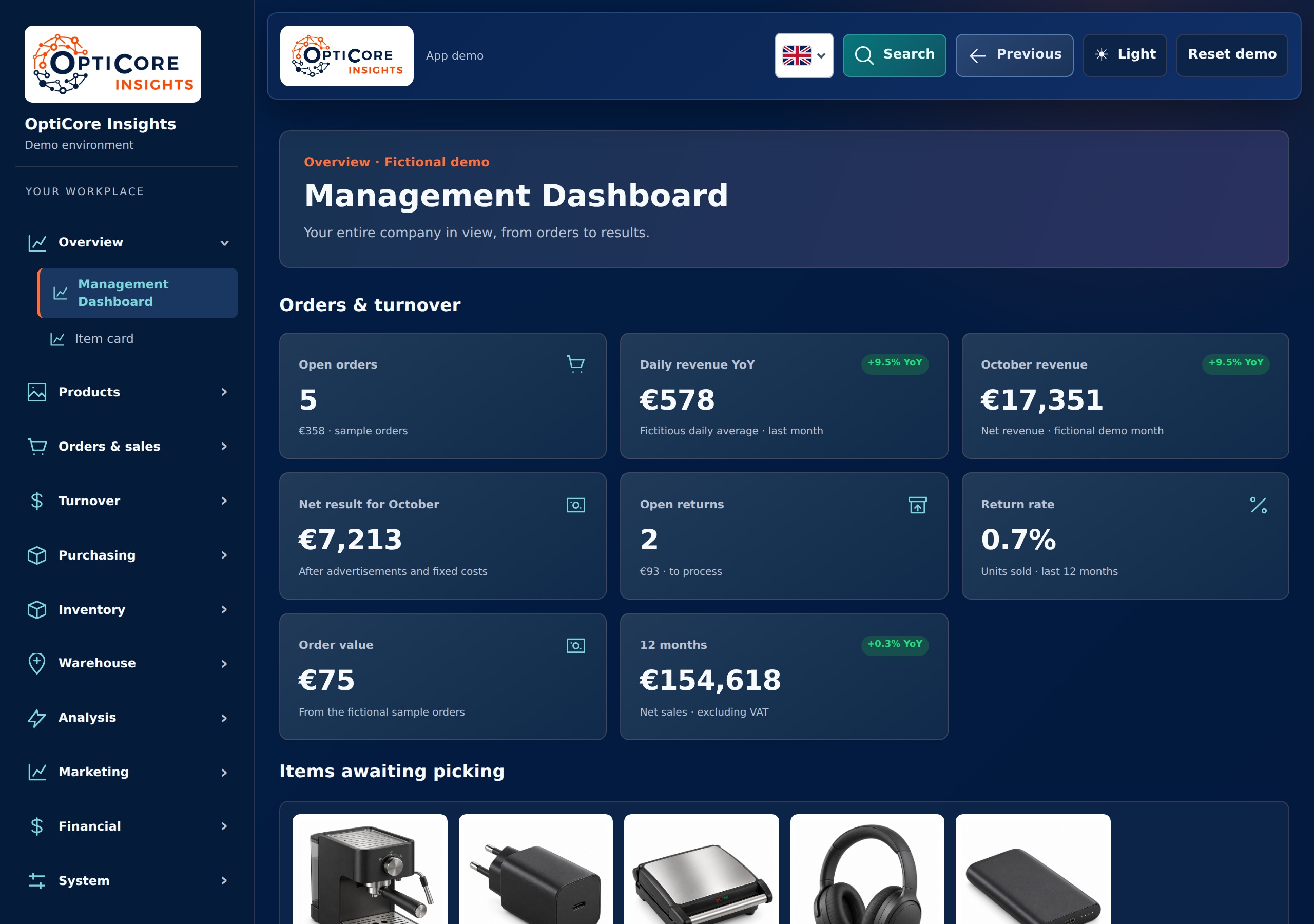
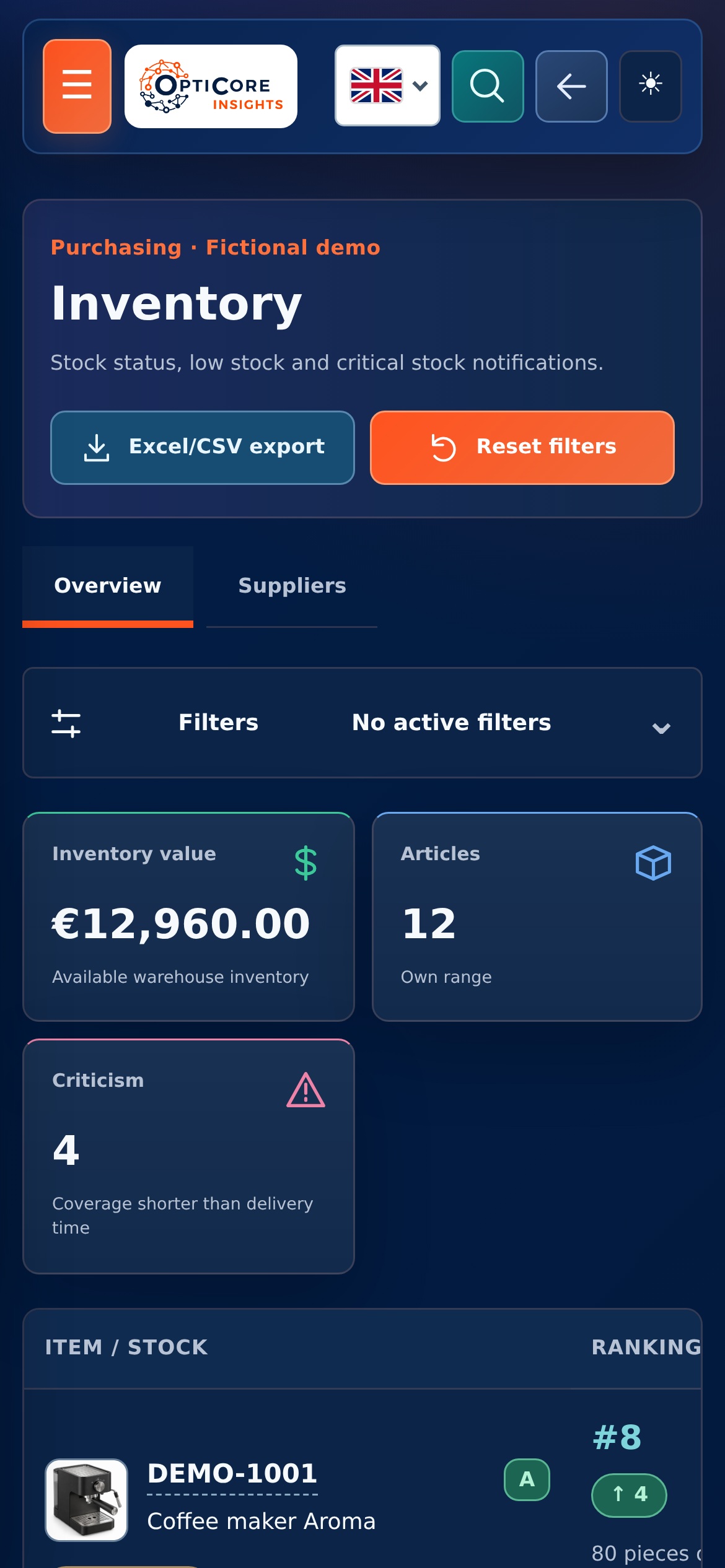
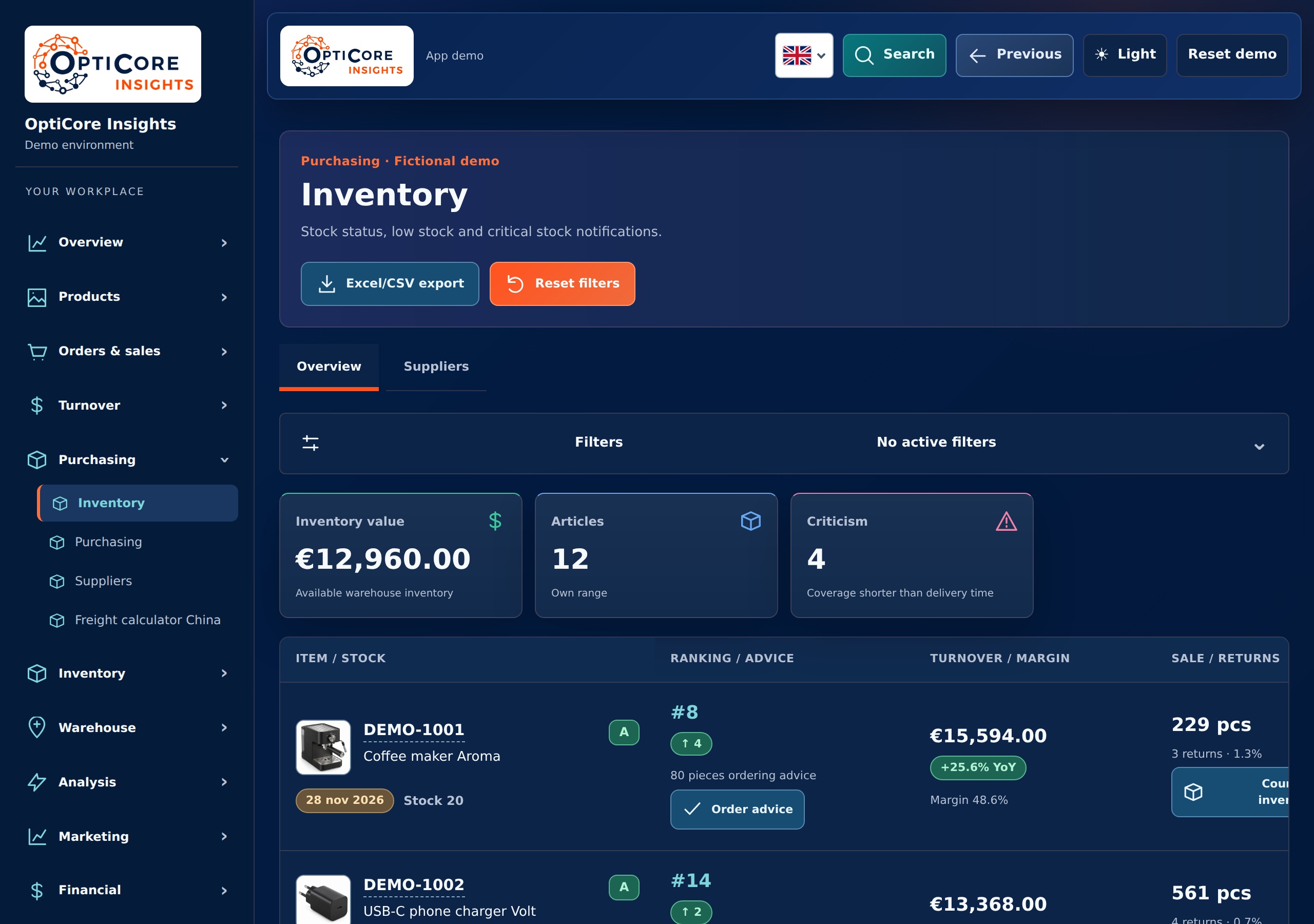
A link only has value if you can continue with the data. The Smartlife dashboard brings together information from e-commerce practice and various sales channels.
The screens show the outcome: turnover, orders and stock that you can view together. We determine which sources we connect and which system is leading for each assignment.
View the project and approach →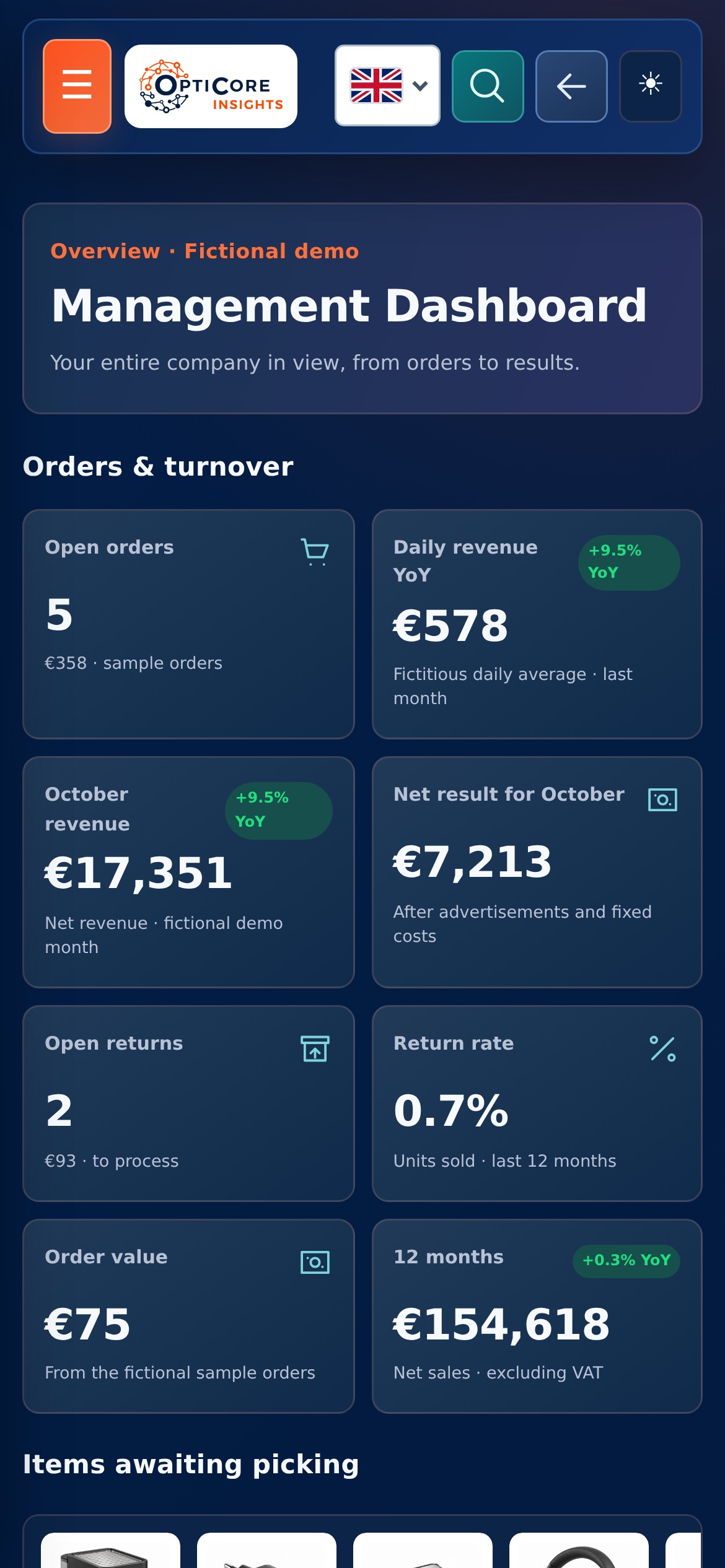
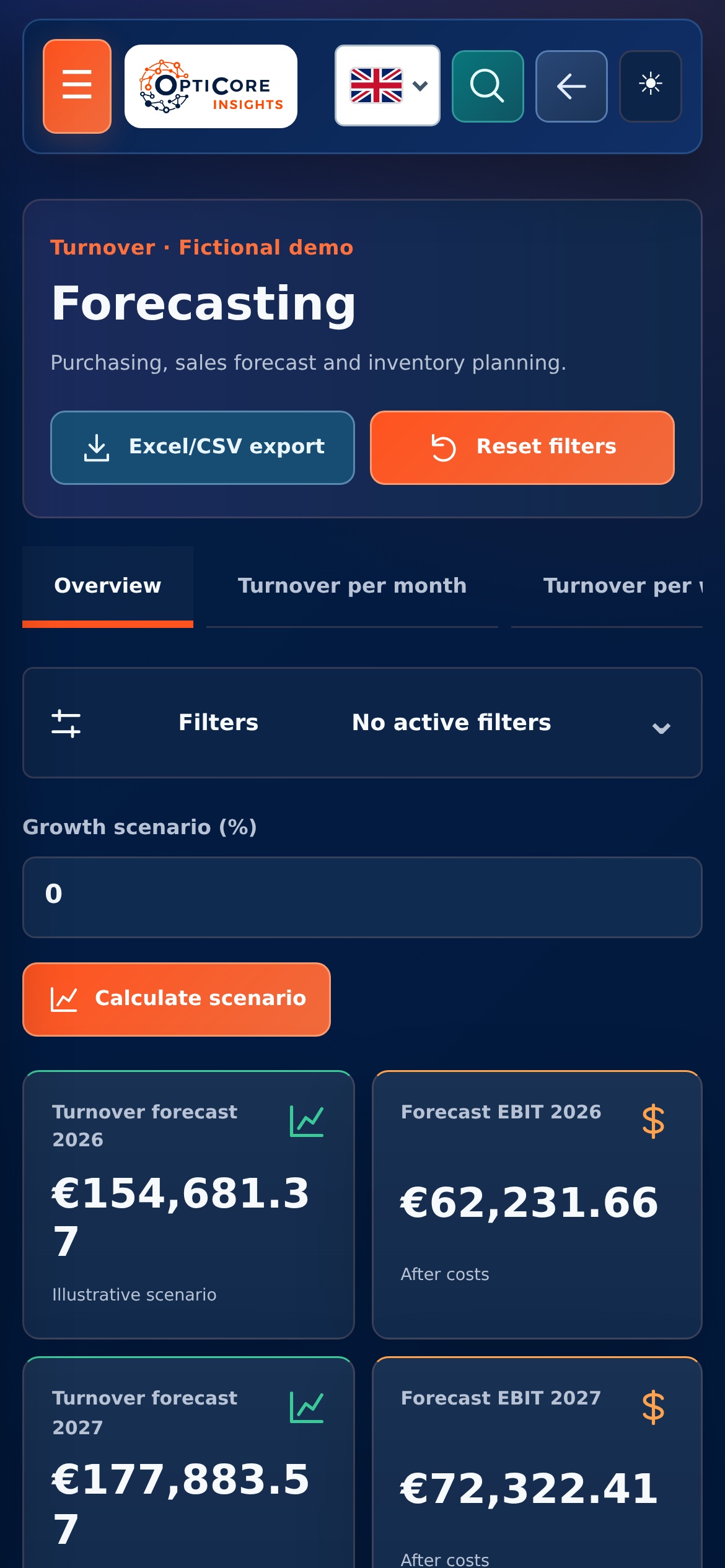
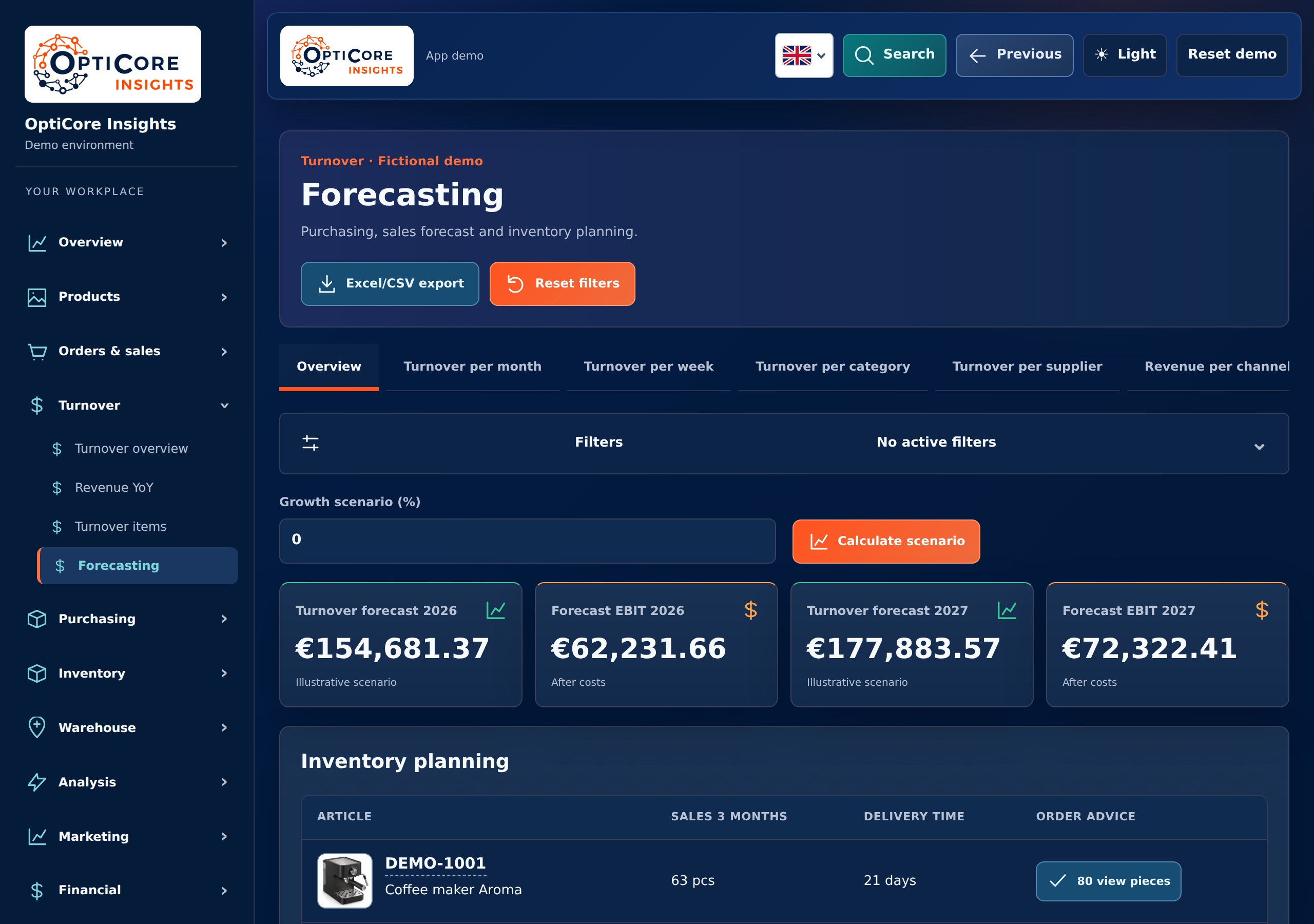
Many enterprise software offers a REST API to retrieve or update data. This allows existing systems to be connected to each other in a targeted manner.
A webhook provides a notification as soon as something happens in a system. A new order can be the start of a next step in another system.
If an automatic task does not run, you want to know why. Logging records events; monitoring makes the status of tasks visible.
Connect reports with inventory, ordering and logistics. Start with the modules you need now and expand in a targeted manner.
Tell us what you want to have made or what work currently takes a lot of time.
Discuss your questionOur approach
We make agreements easy to understand and keep you informed about progress, decisions and next steps.

We bring relevant figures together and explain what they mean, helping you decide where action is needed.

We look at which recurring steps could work smarter, with attention to checks, exceptions and the people using them.

We start with a clearly defined step. Then we expand with purpose, based on what your business and workflow need.