

Clear communication
We make agreements easy to understand and keep you informed about progress, decisions and next steps.
Explanation and possibilities
Sales channels each have their own data and rules. A link helps exchange product information, stock and orders between those systems.
Stock and order status must be processed in such a way that a double notification does not result in a double action. Error messages and rejected data remain visible for follow-up per channel.
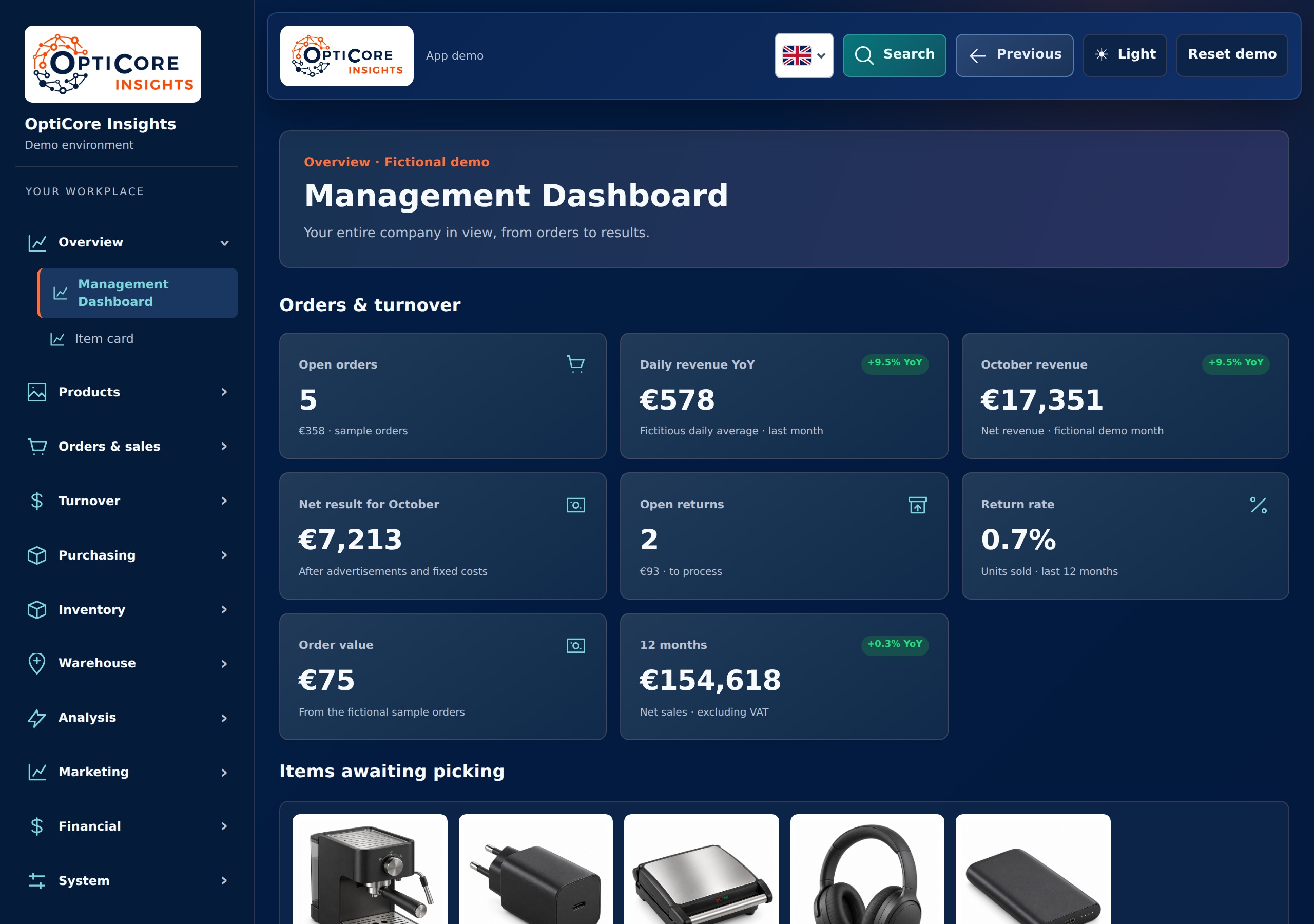
In pictures · Smartlife Domotica
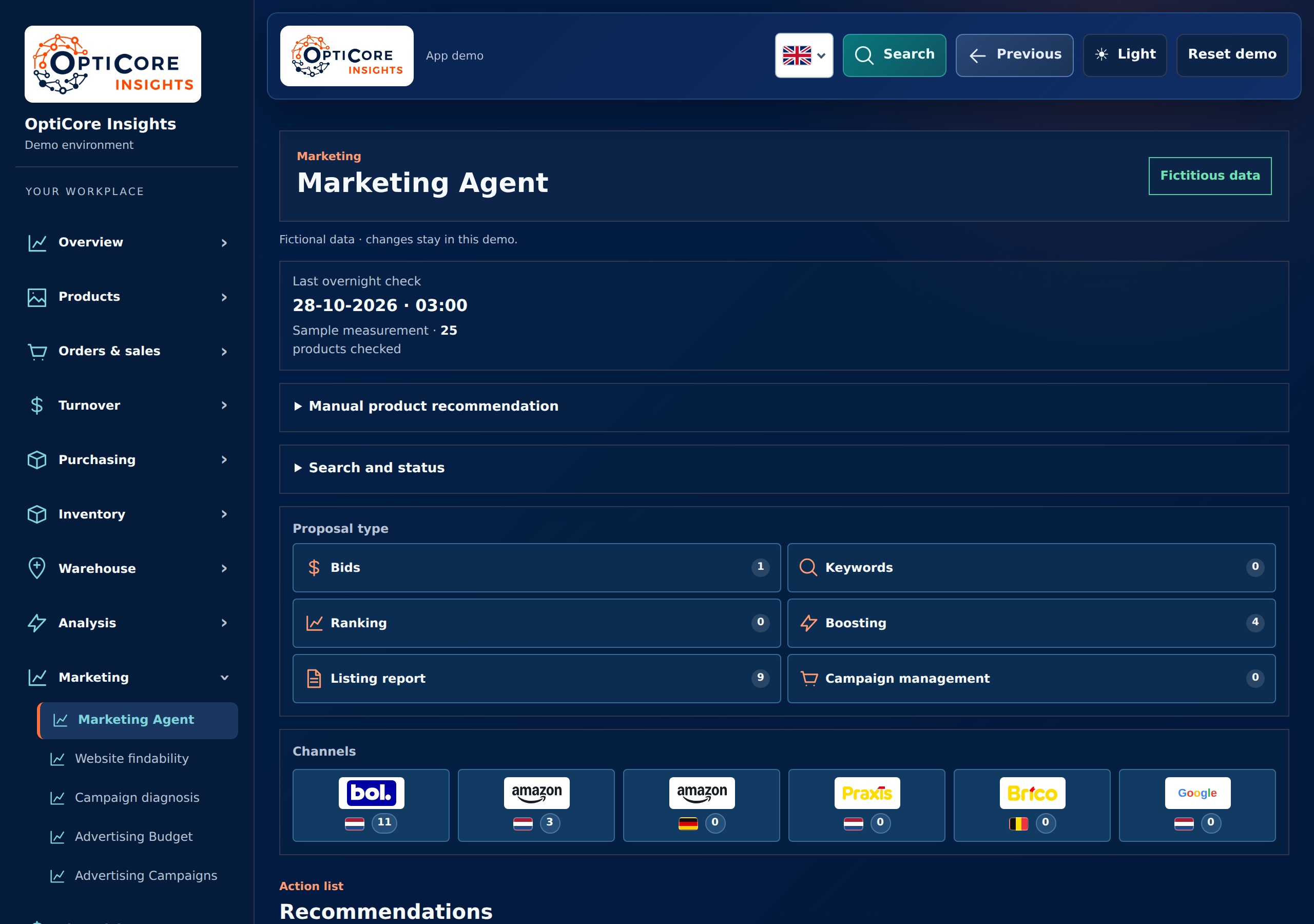
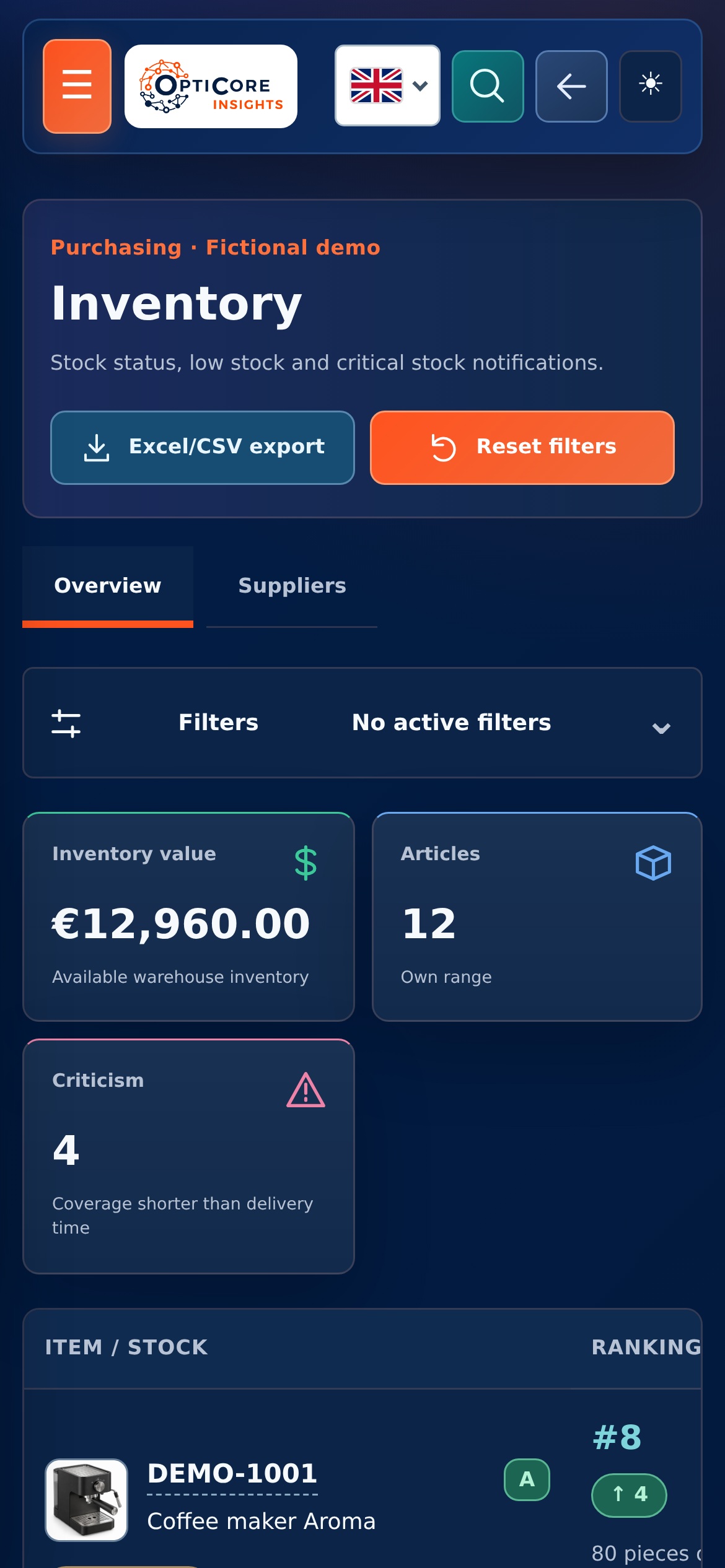
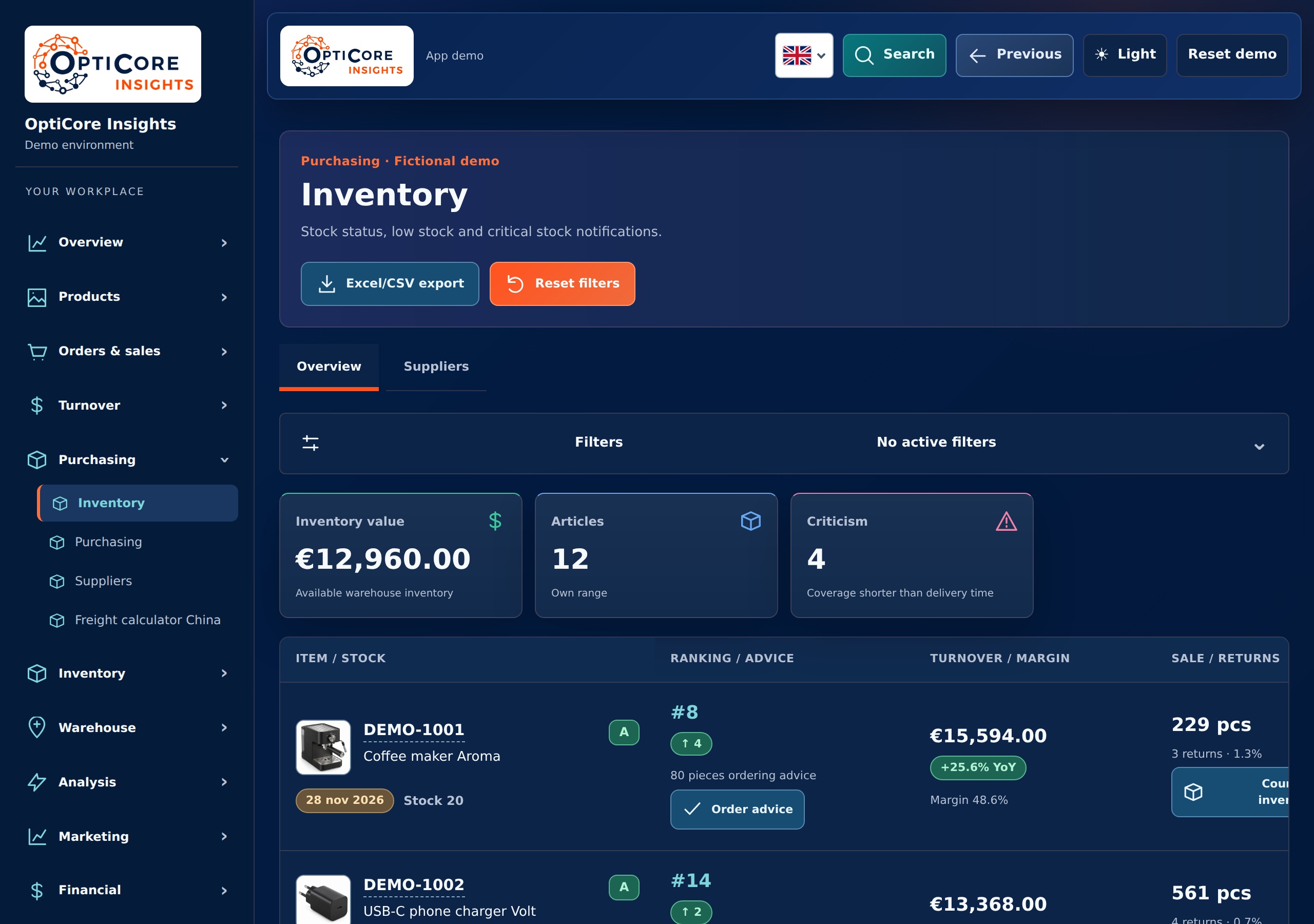
In this example, the webshop and sales channels are together in the management dashboard. Revenue, margin and inventory provide context for a channel's performance.
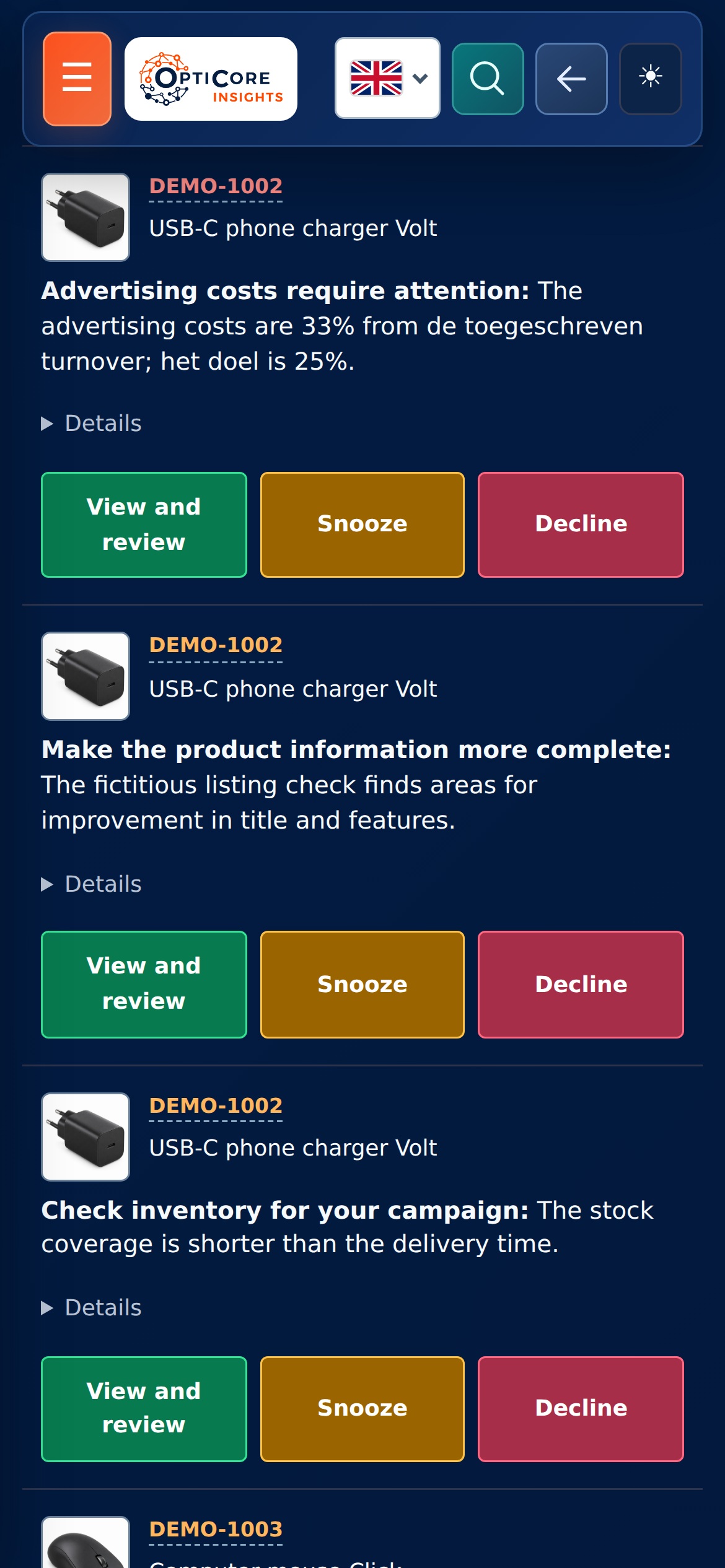
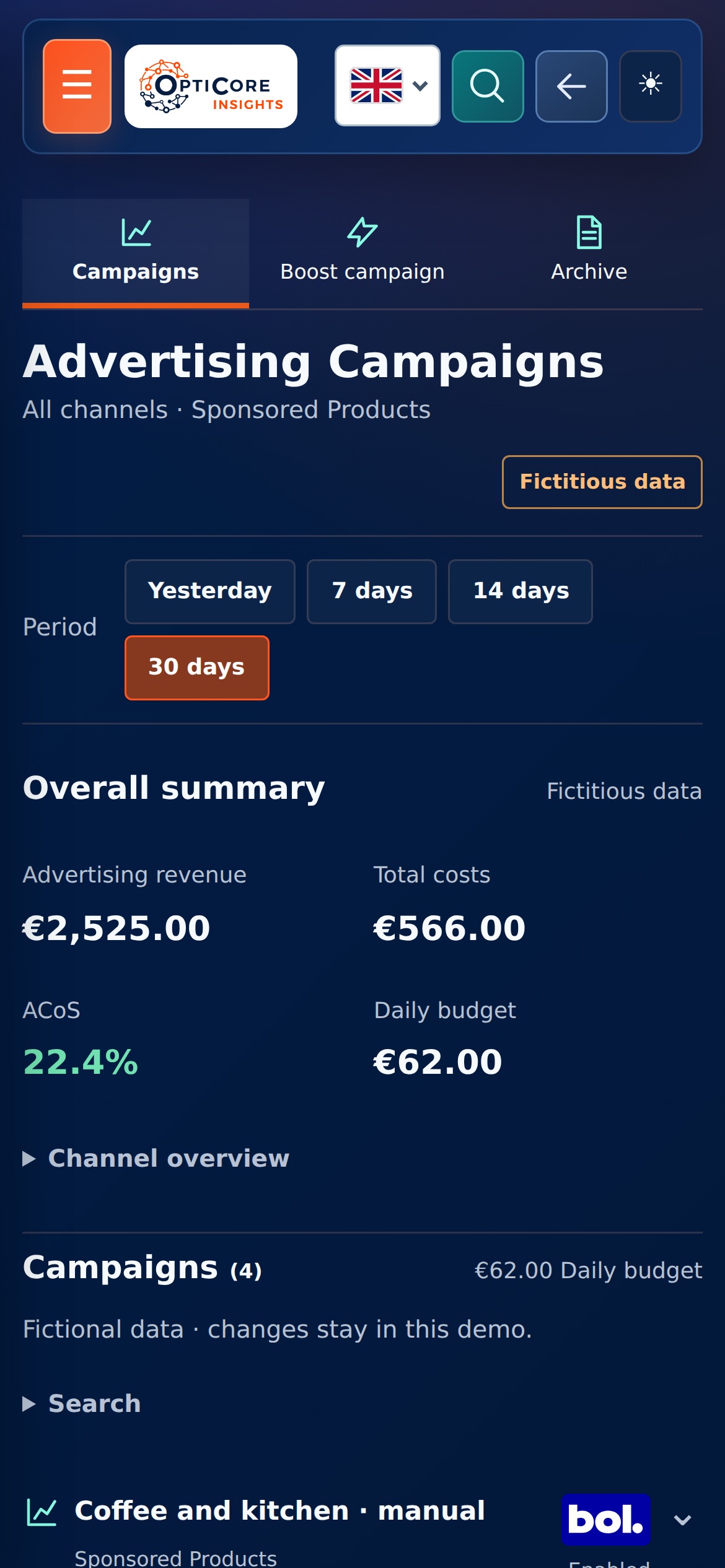
From there you can investigate more specifically which article or campaign needs attention. The marketing agent shows available proposals, with conscious review before implementing supported changes.
View the project and approach →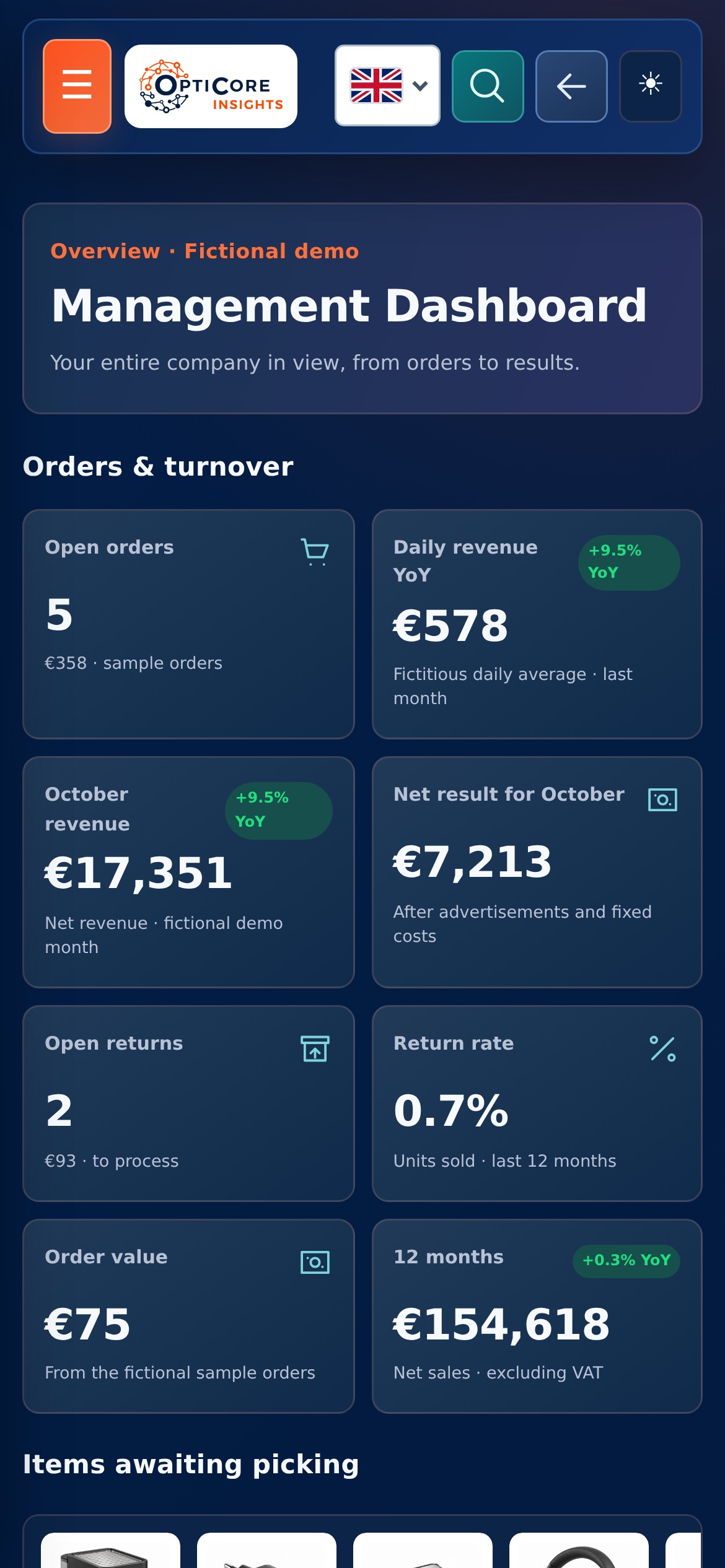
Product information must remain recognizable and usable in the webshop, marketplaces and internal systems. This requires agreements about fields and sources.
Many enterprise software offers a REST API to retrieve or update data. This allows existing systems to be connected to each other in a targeted manner.
If an automatic task does not run, you want to know why. Logging records events; monitoring makes the status of tasks visible.
Tell us what you want to have made or what work currently takes a lot of time.
Please contact usOur approach
We make agreements easy to understand and keep you informed about progress, decisions and next steps.

We bring relevant figures together and explain what they mean, helping you decide where action is needed.

We look at which recurring steps could work smarter, with attention to checks, exceptions and the people using them.

We start with a clearly defined step. Then we expand with purpose, based on what your business and workflow need.