
From picking to the correct order bin
When several orders arrive at once, you need an overview of both the items and the individual orders. The demo now shows how to start a pick round, choose a team member and assign orders to coloured bins.
You can place items straight into the correct order bin, or collect everything first and distribute it afterwards. Confirming a picked quantity and distributing items among bins are distinct steps. This shows what is done and what still needs attention.
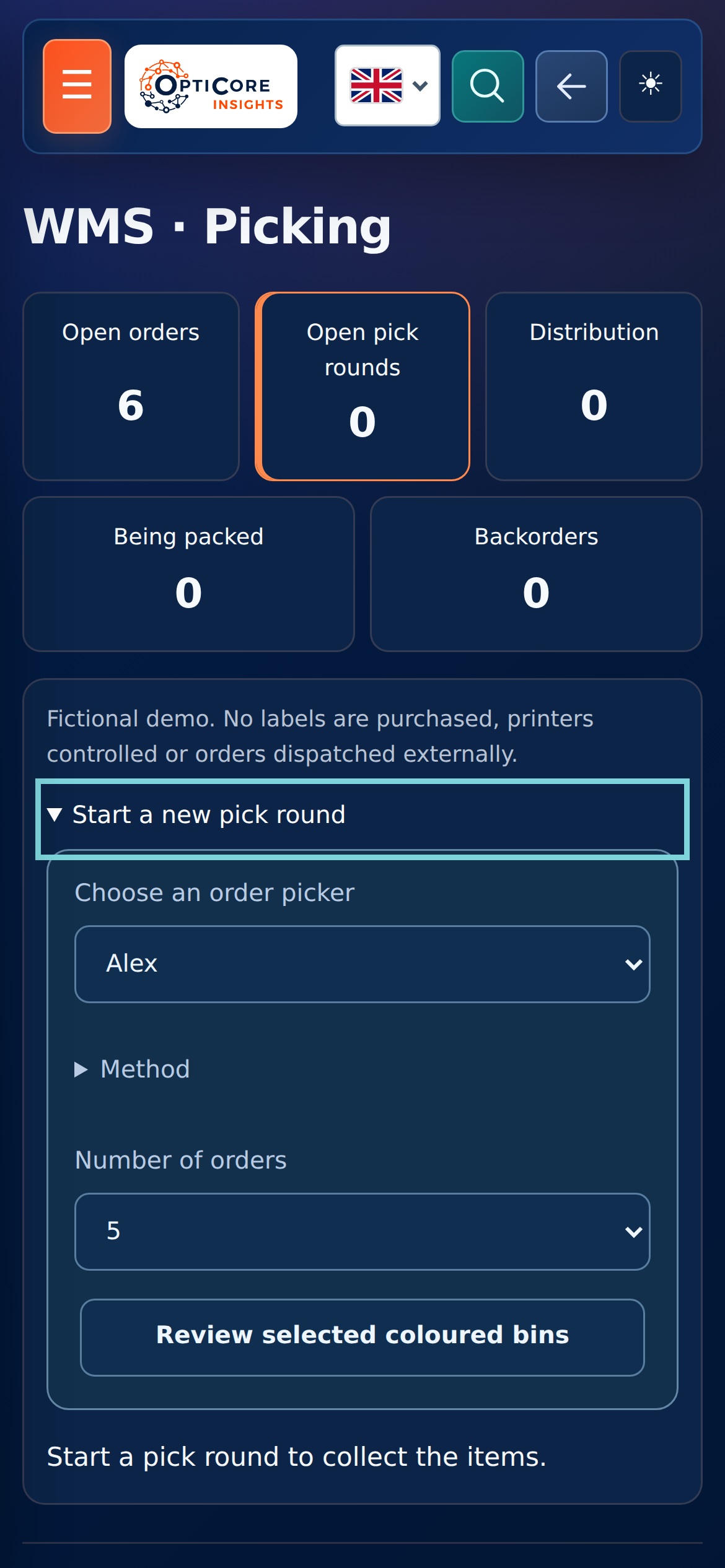
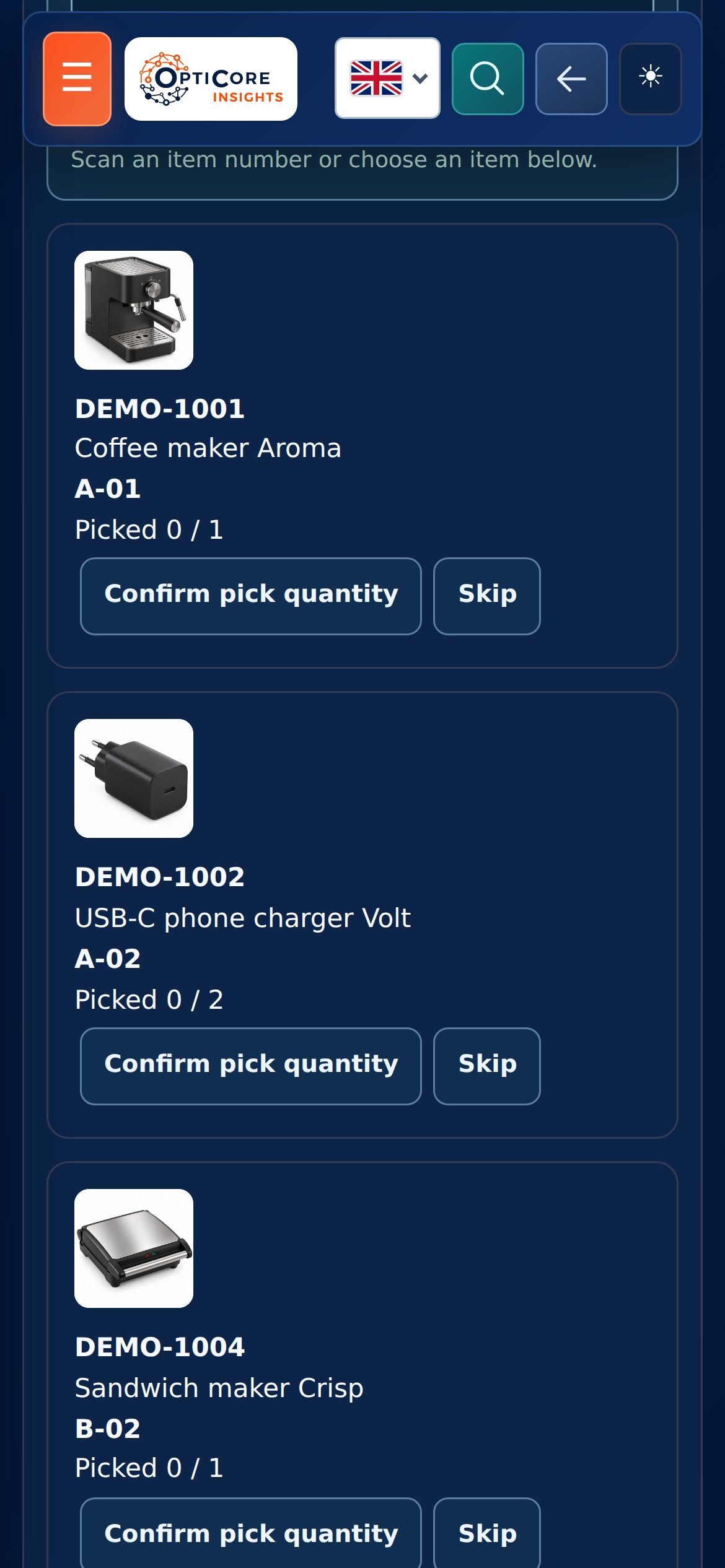
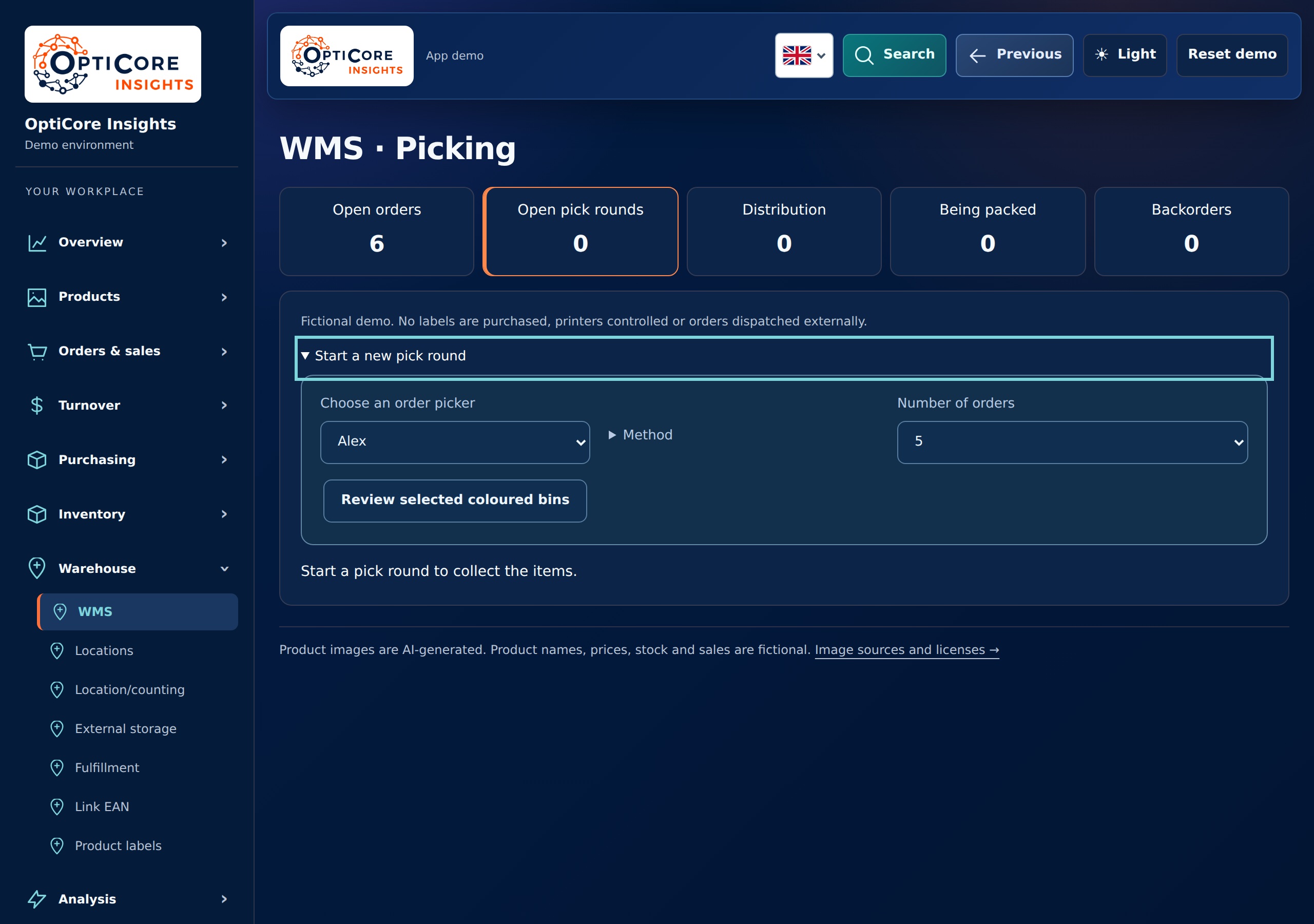
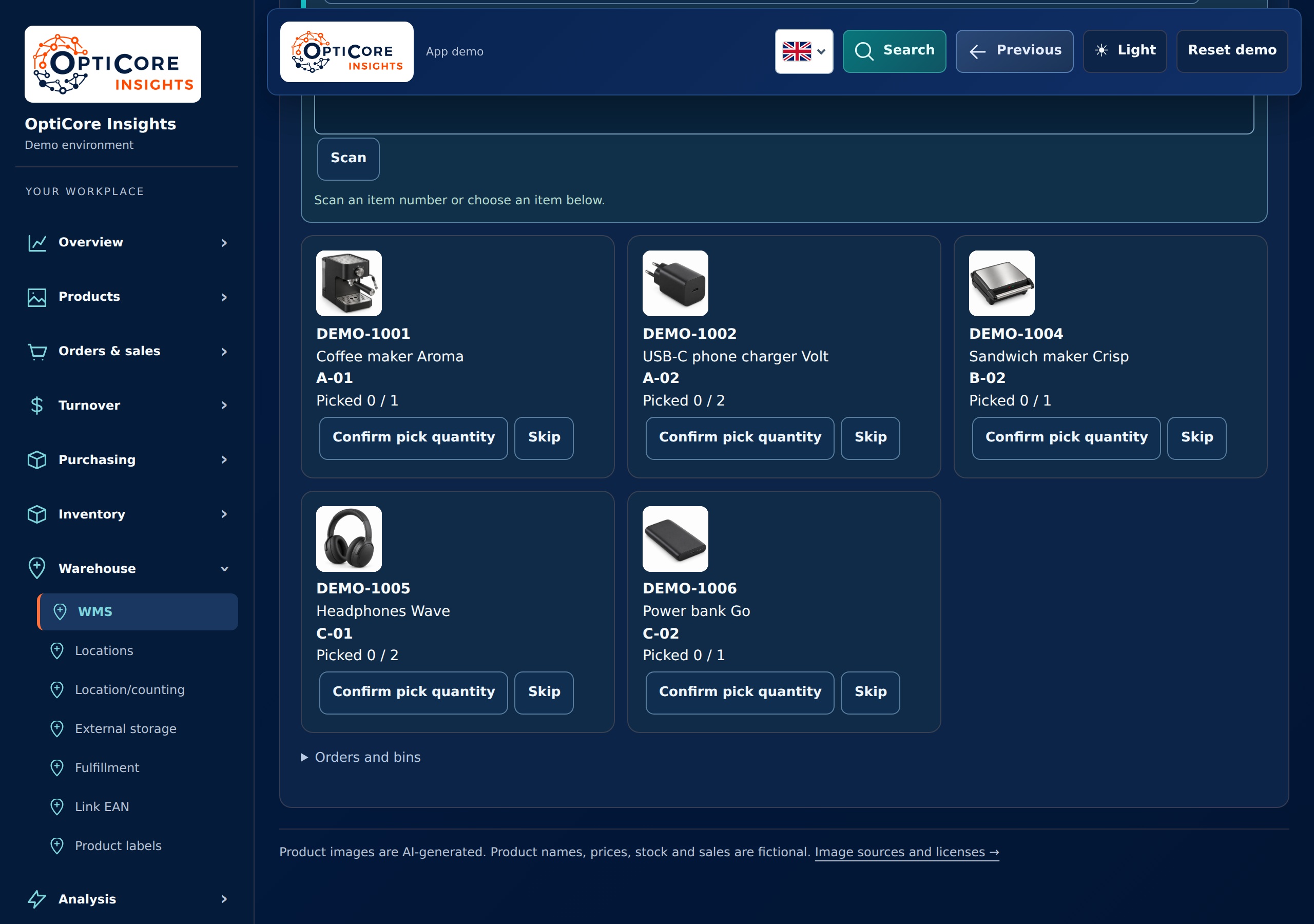
2 screens from this module · fictional data
Also try partial picks, backorders and packing
Not every item is always ready. You can confirm part of the required quantity, skip an item and put an unpicked order line on backorder. An open backorder can later be returned to the picking work.
A complete order appears in packing. You can review its contents and packing slip, choose a shipping method and complete the example order. All data and actions are fictional: the demo buys no shipping labels, controls no printers and dispatches no real orders.
 Distribute items among order bins
 Pack and ship orders
 Distribute items among order bins
 Pack and ship orders
2 screens from this module · fictional data
About this project
- Explore the interactive WebApp demoAccessed 2 November 2026